Uploading images and videos to Connect
-
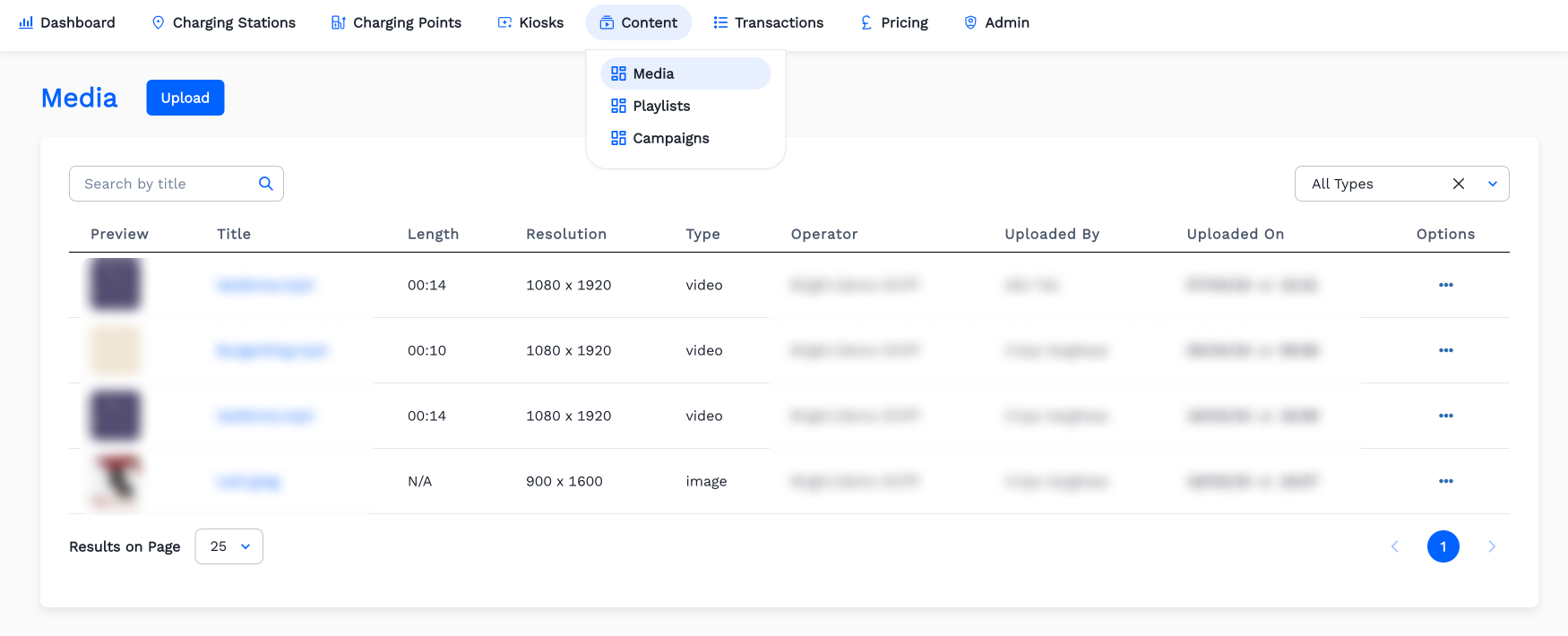
Click
Contentmenu. Then ClickMedia.
-
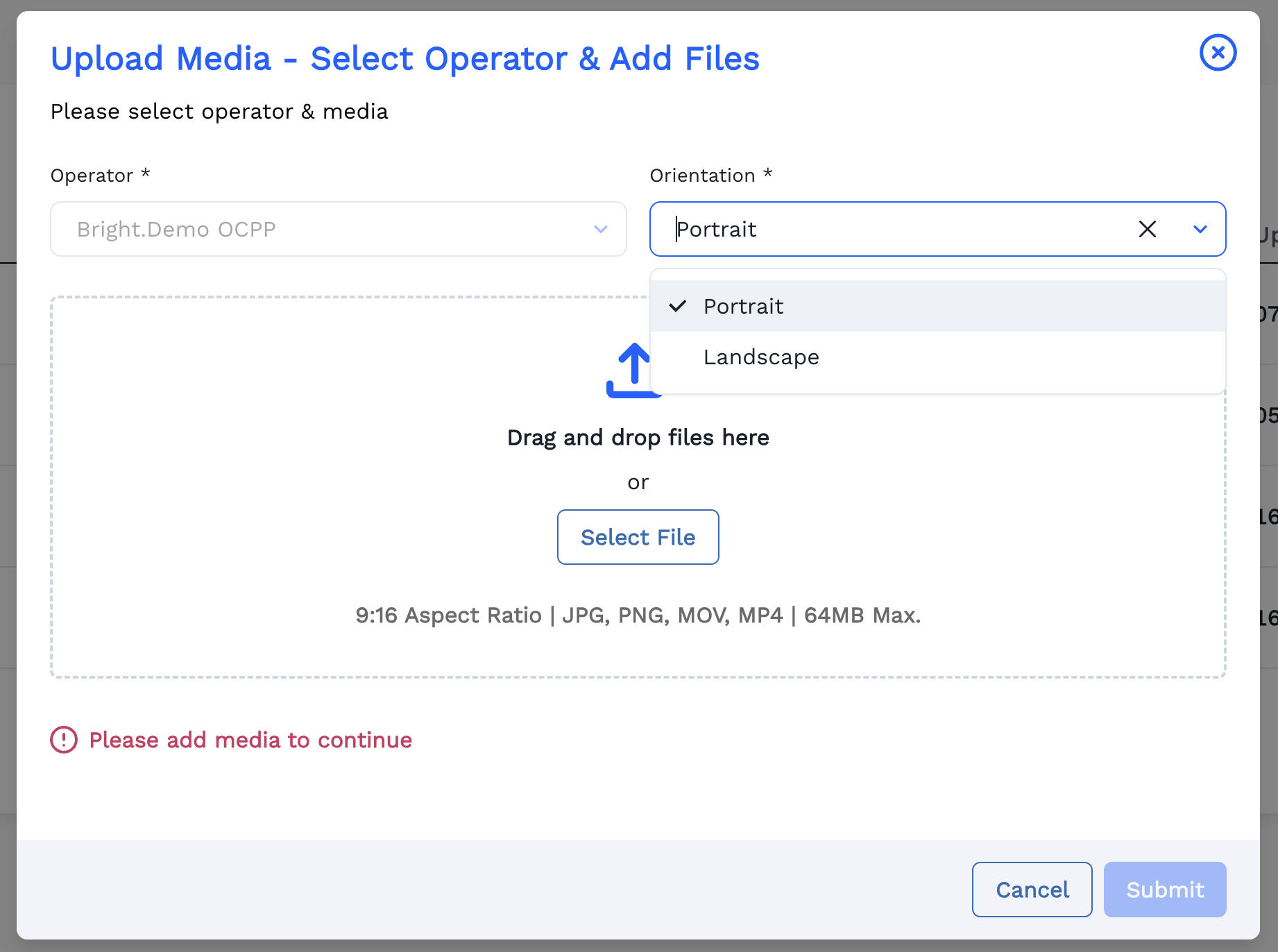
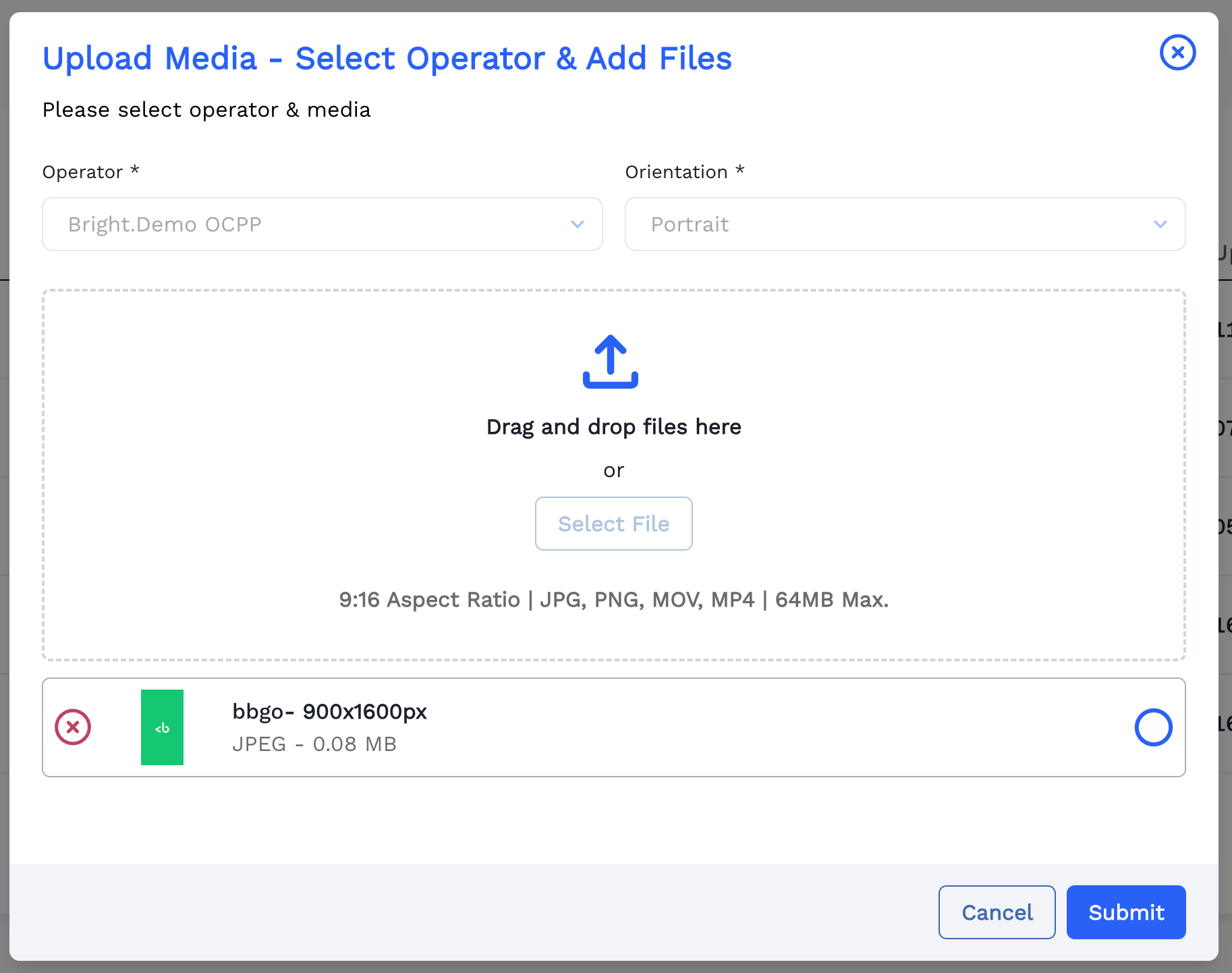
Upload cover Image or Video by Clicking
Select Fileand then ClickSubmit.
Here a Video is Selected.
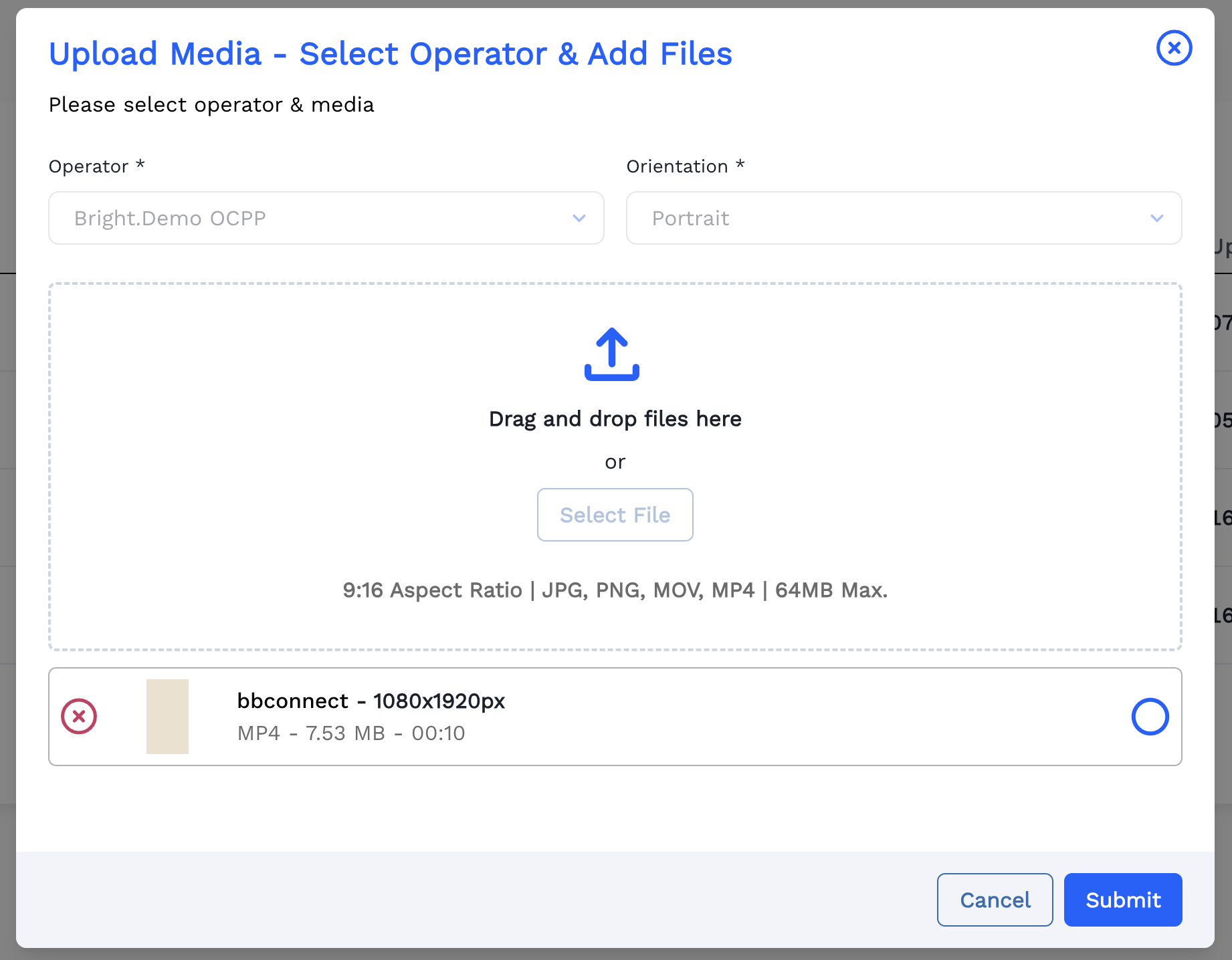
An Image can be Uploaded.
-
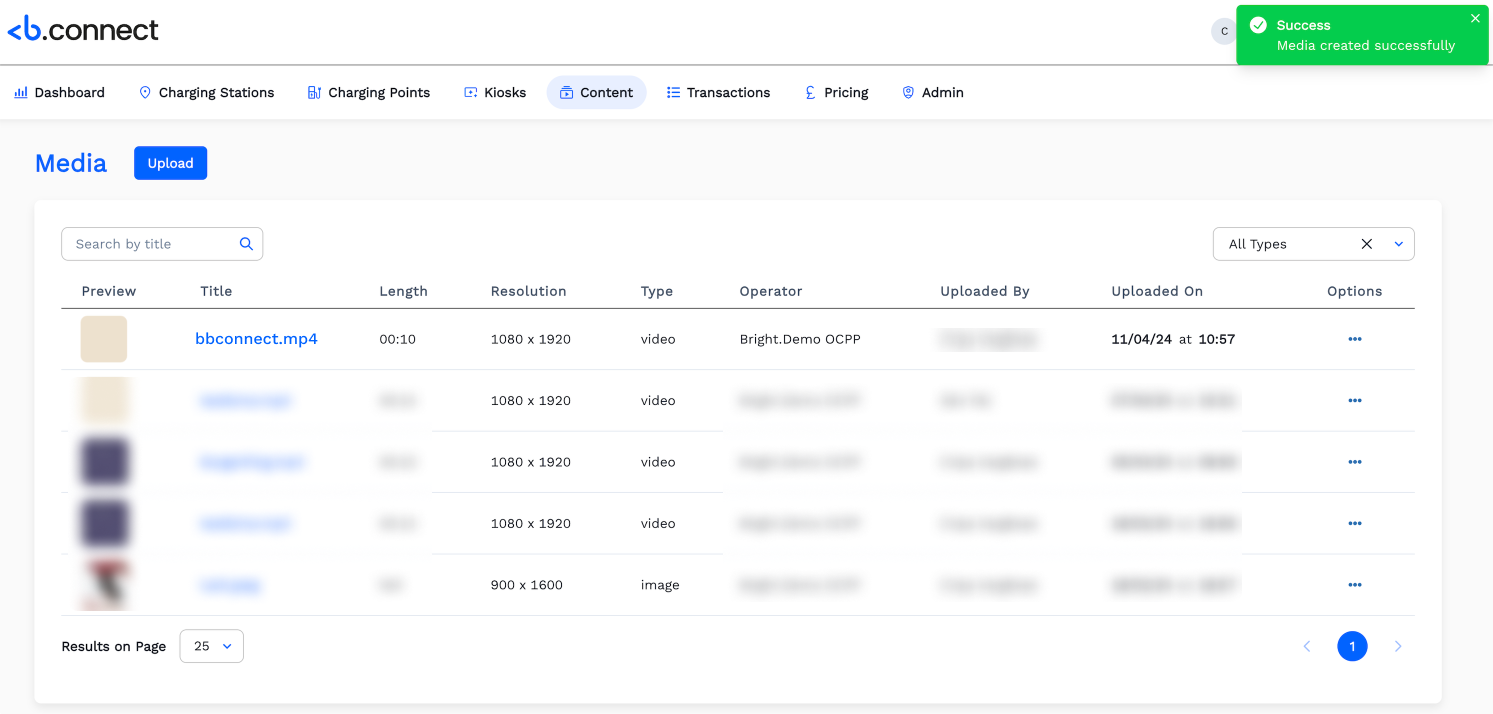
Now the uploaded media is listed in the the Media page. Click
Uploadbutton to add more media.