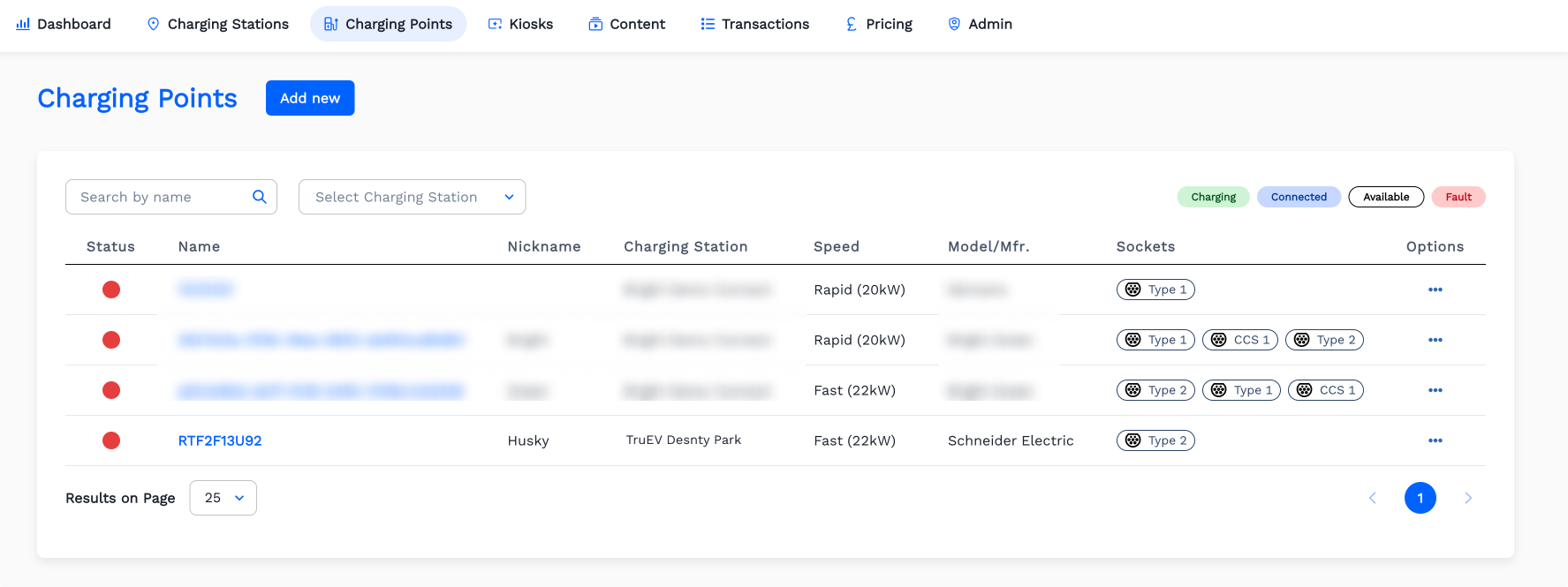
How To Create A Charging Point Details?
-
Click
Charging Pointsmenu. Then ClickAdd New
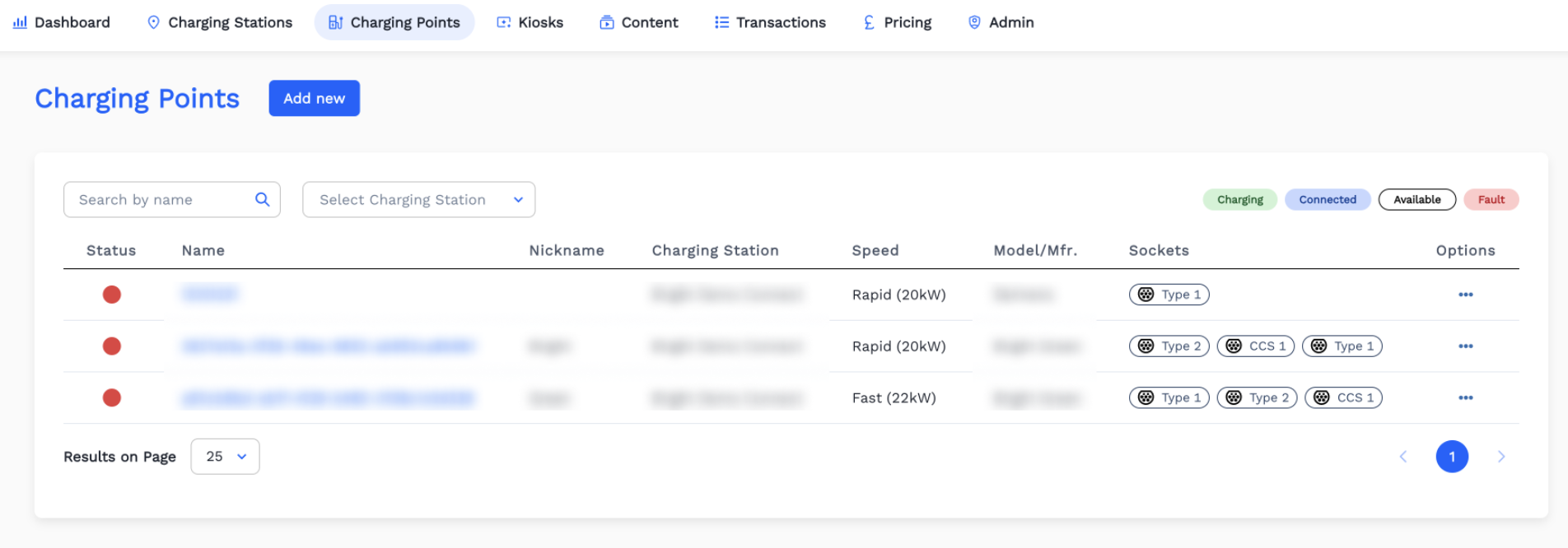
-
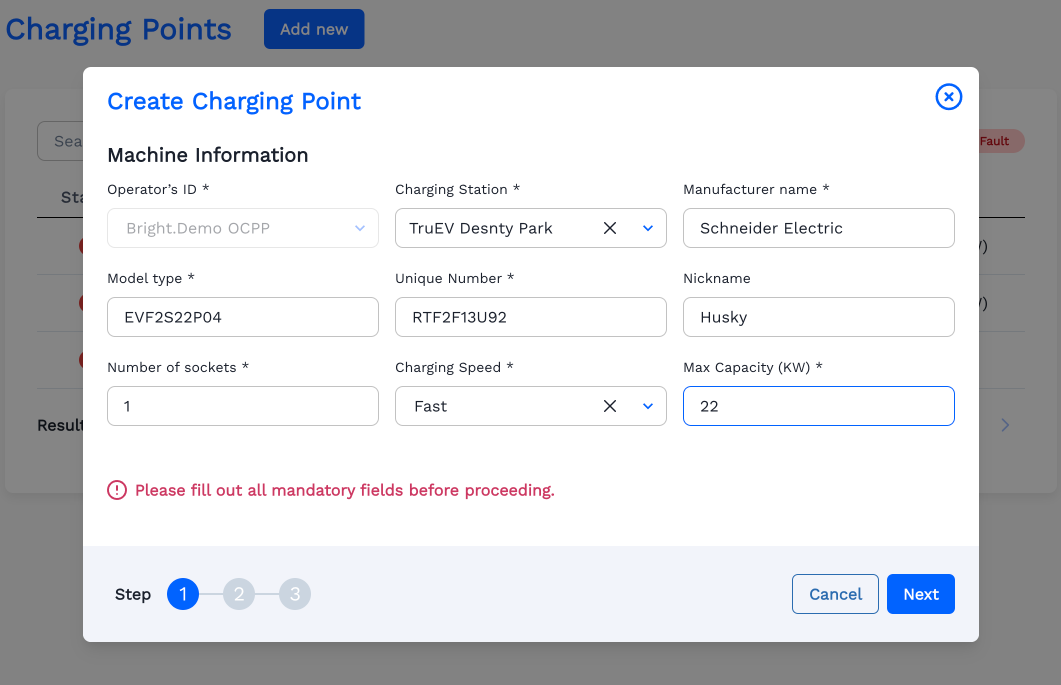
Fill the Machine Information. Then Click
Next.
Note: Value for Max Capacity of the Charging Point must be equal or less than that of its Charging Station.
-
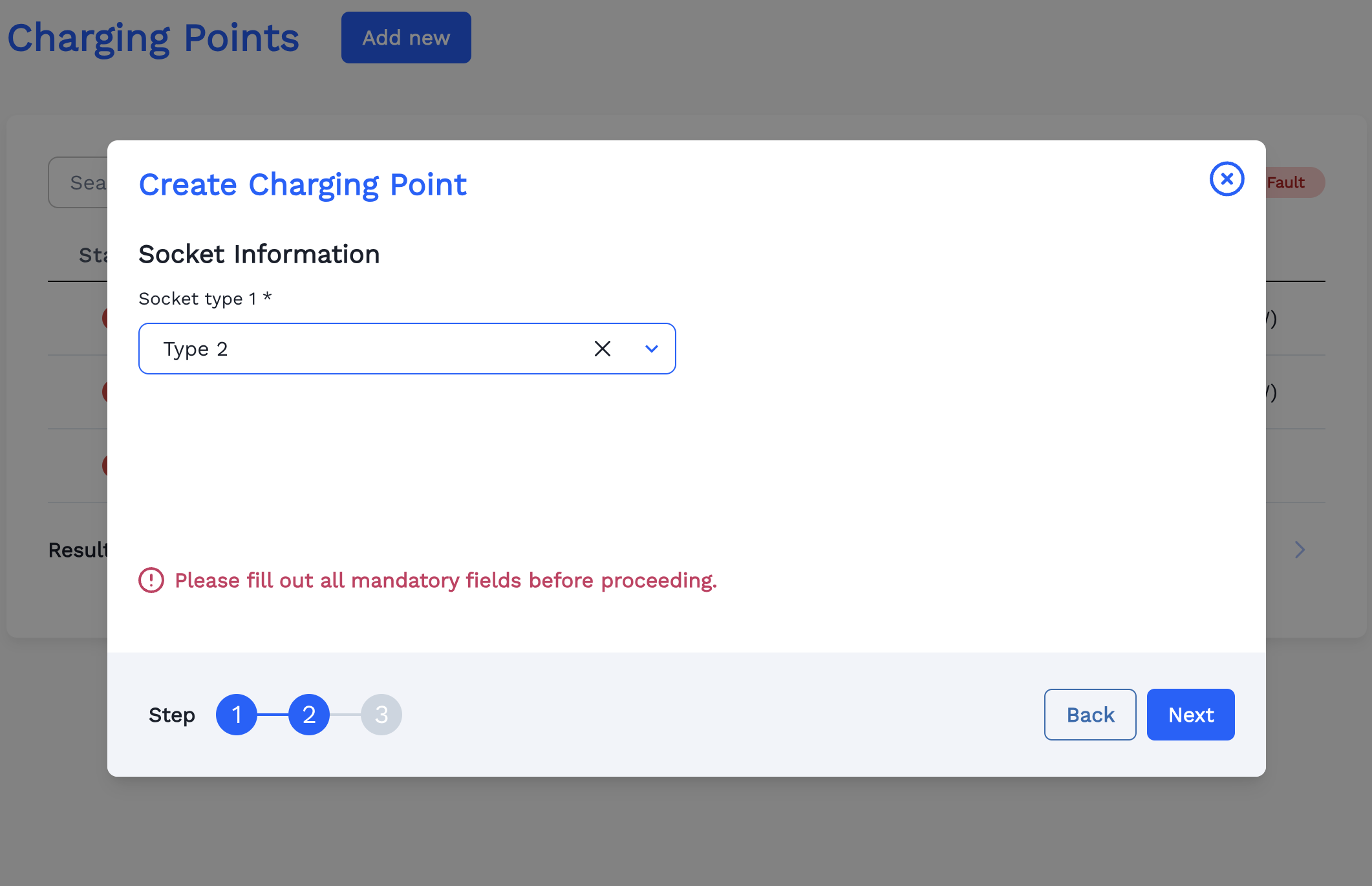
Select the Socket Type for the Charging Point. Click
Next.
-
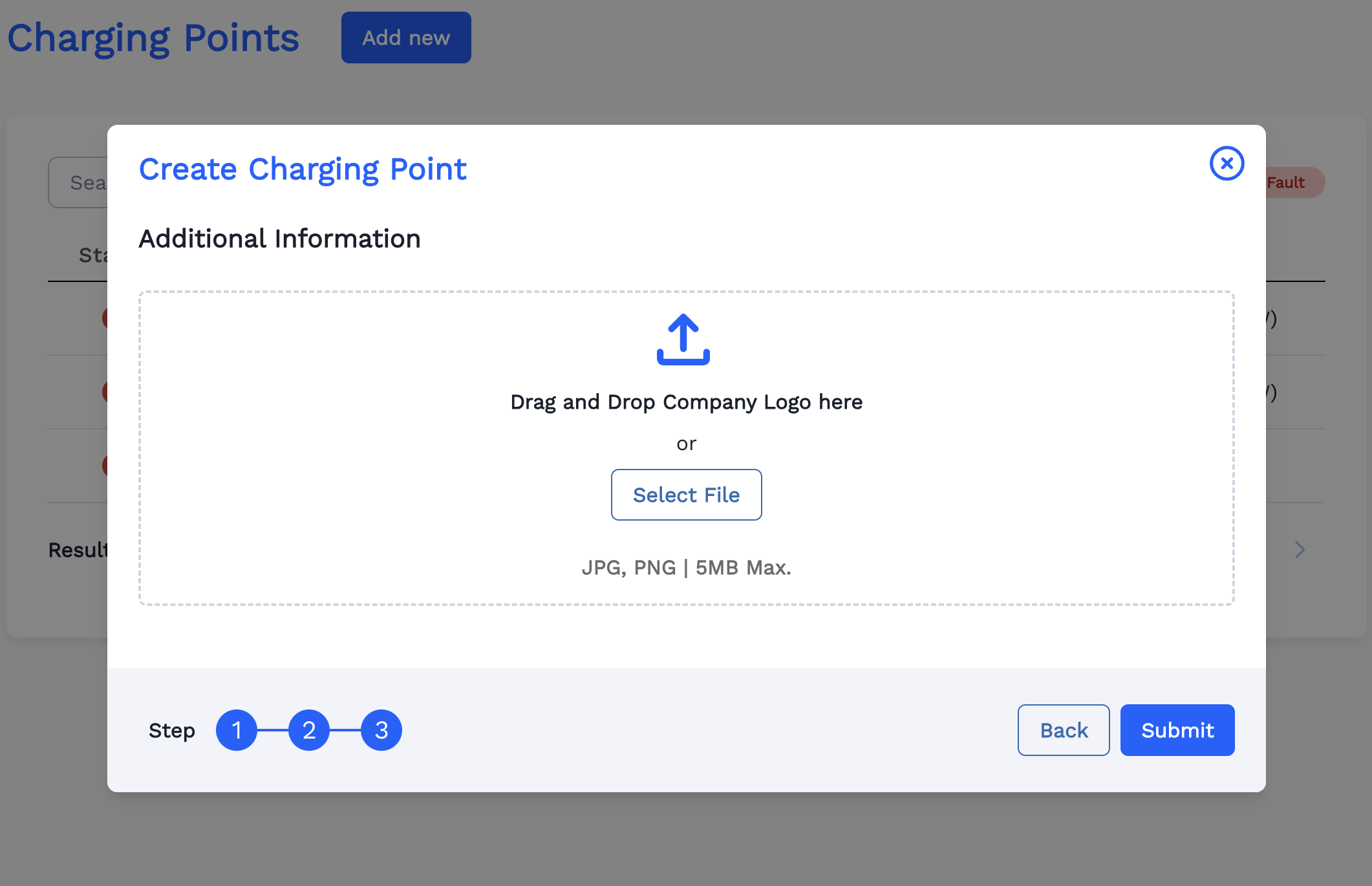
Upload a cover image for the Charging Point by clicking
Select File.
-
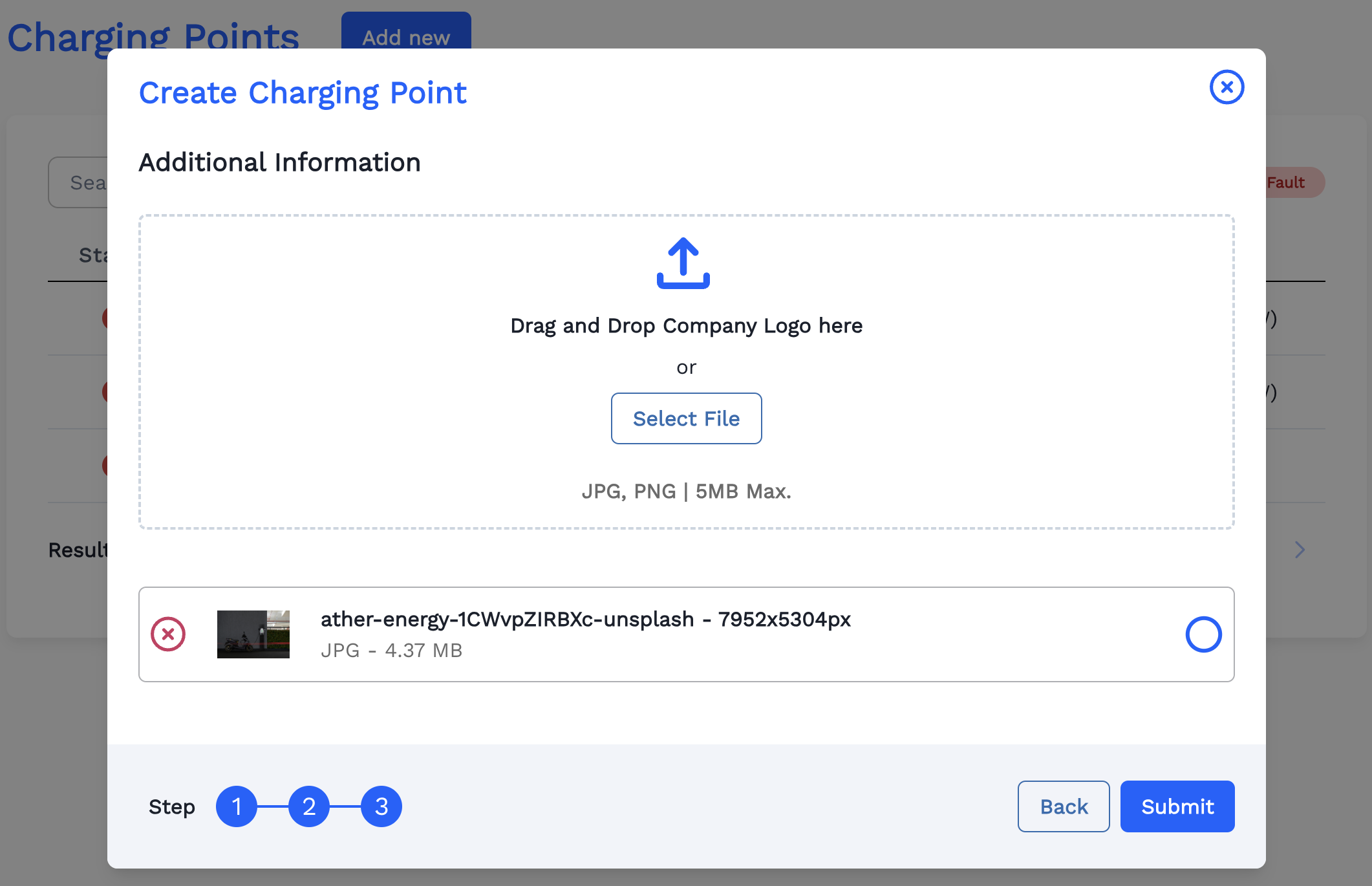
Now the selected image is loaded. Click
Next.
-
Now the Charging Point is Created Successfully and displayed in the list.