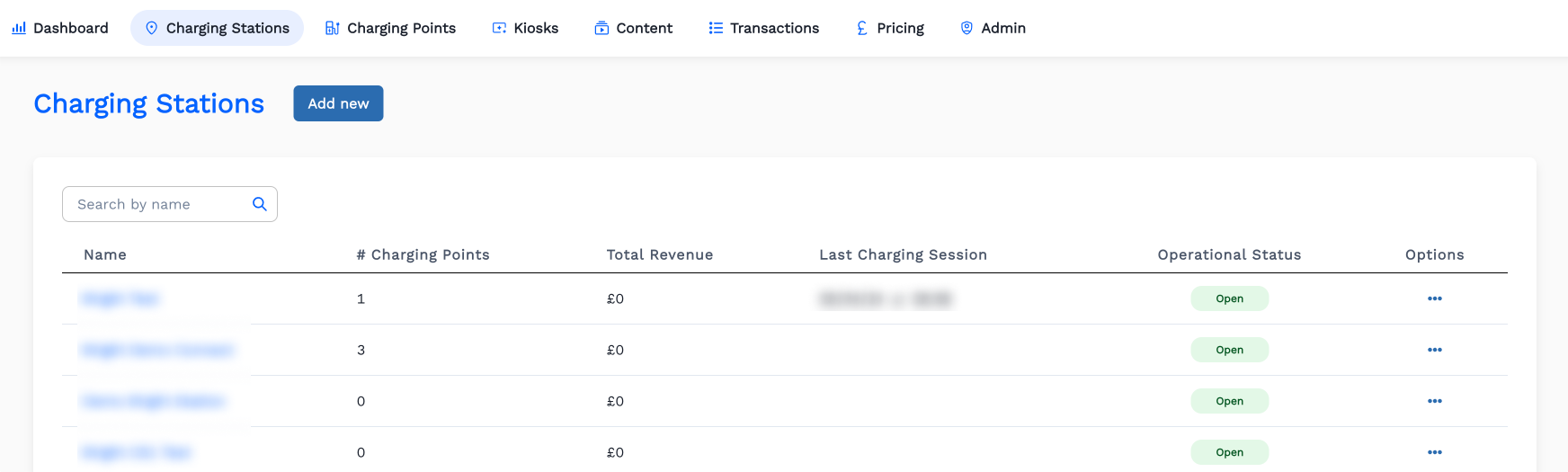
How To Create A Charging Station Details?
-
-
-
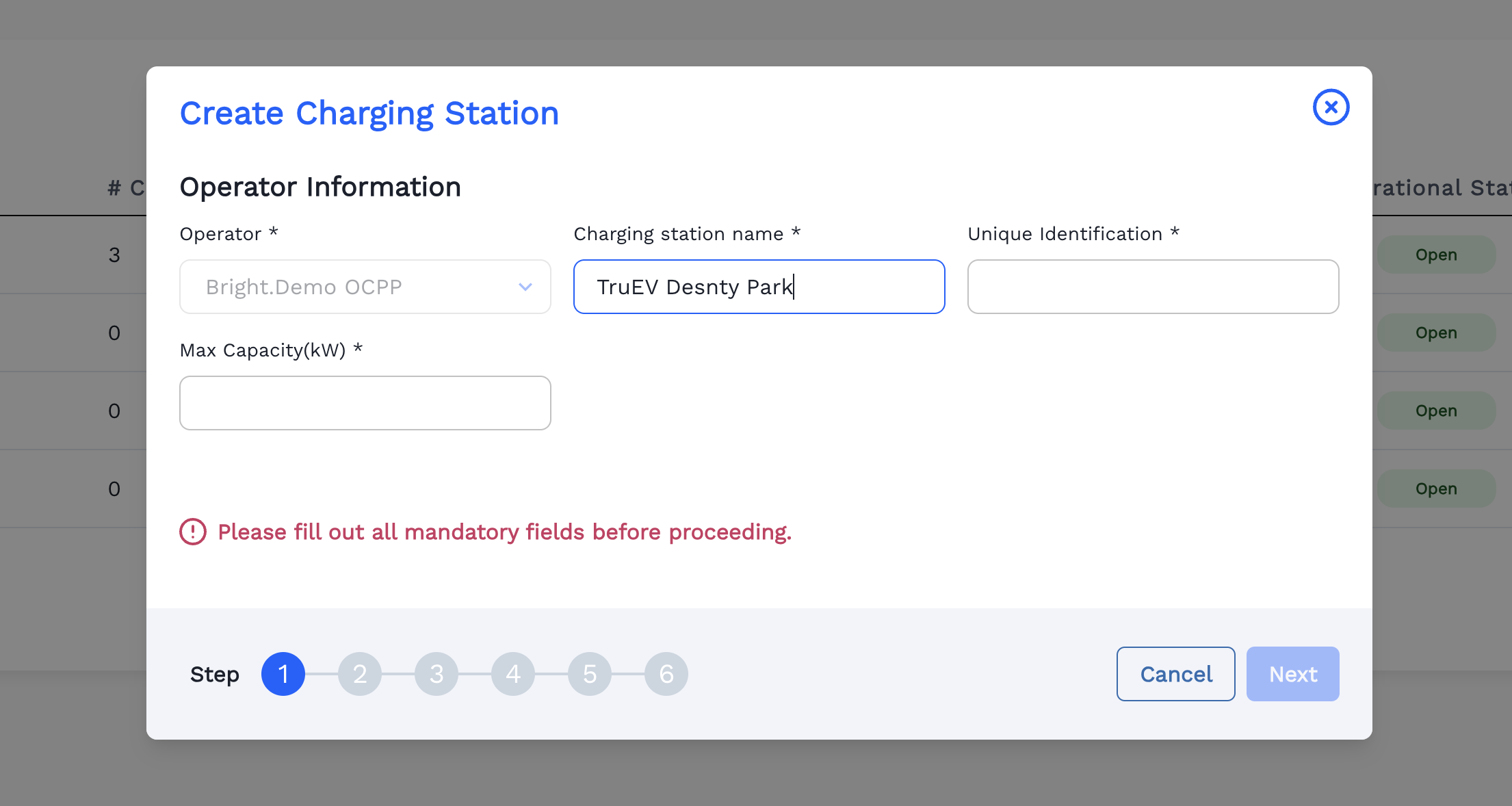
Enter the Charging Station's name.
-
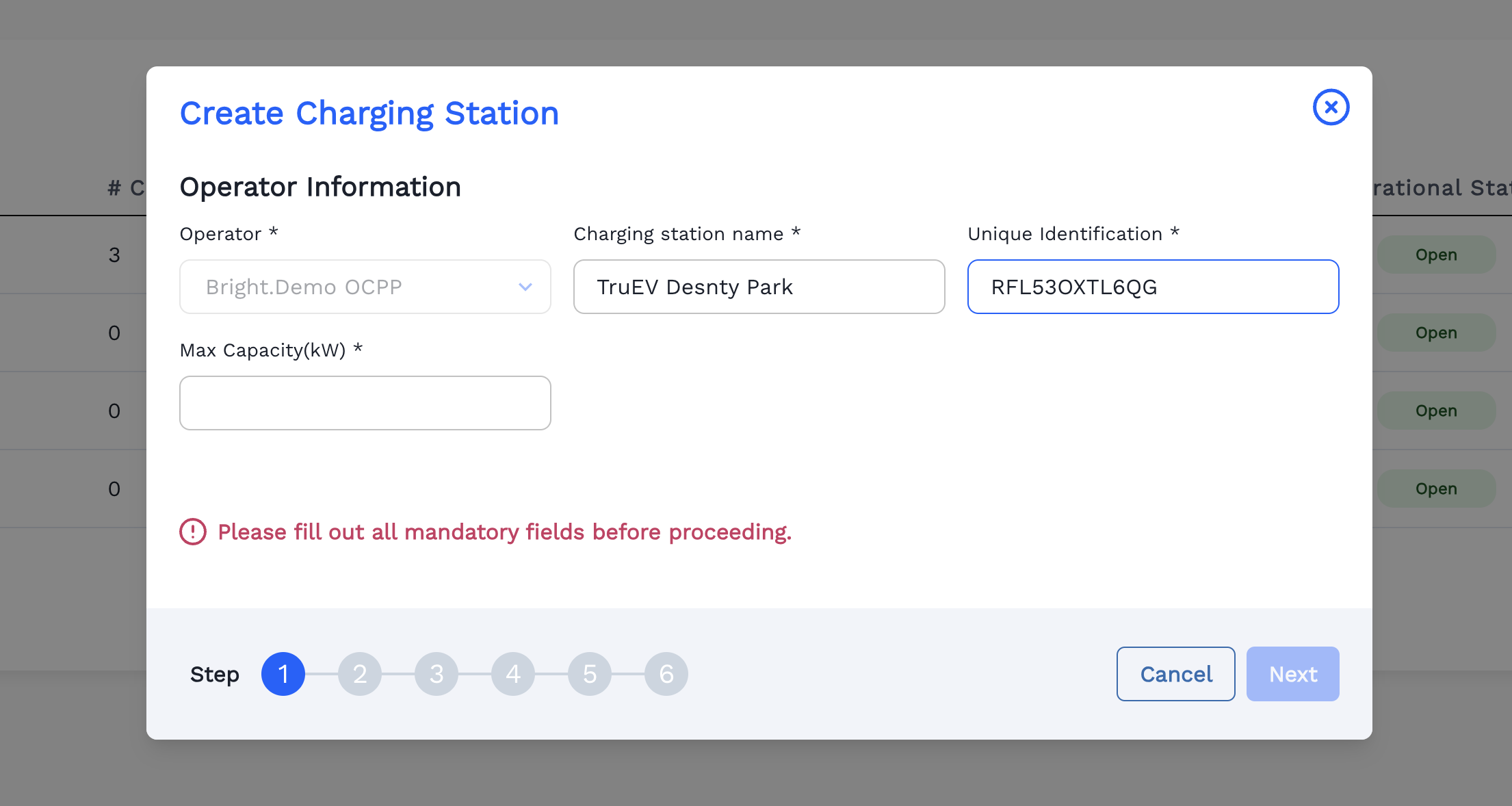
Enter the OCPP Location Id as Unique Identification code.
-
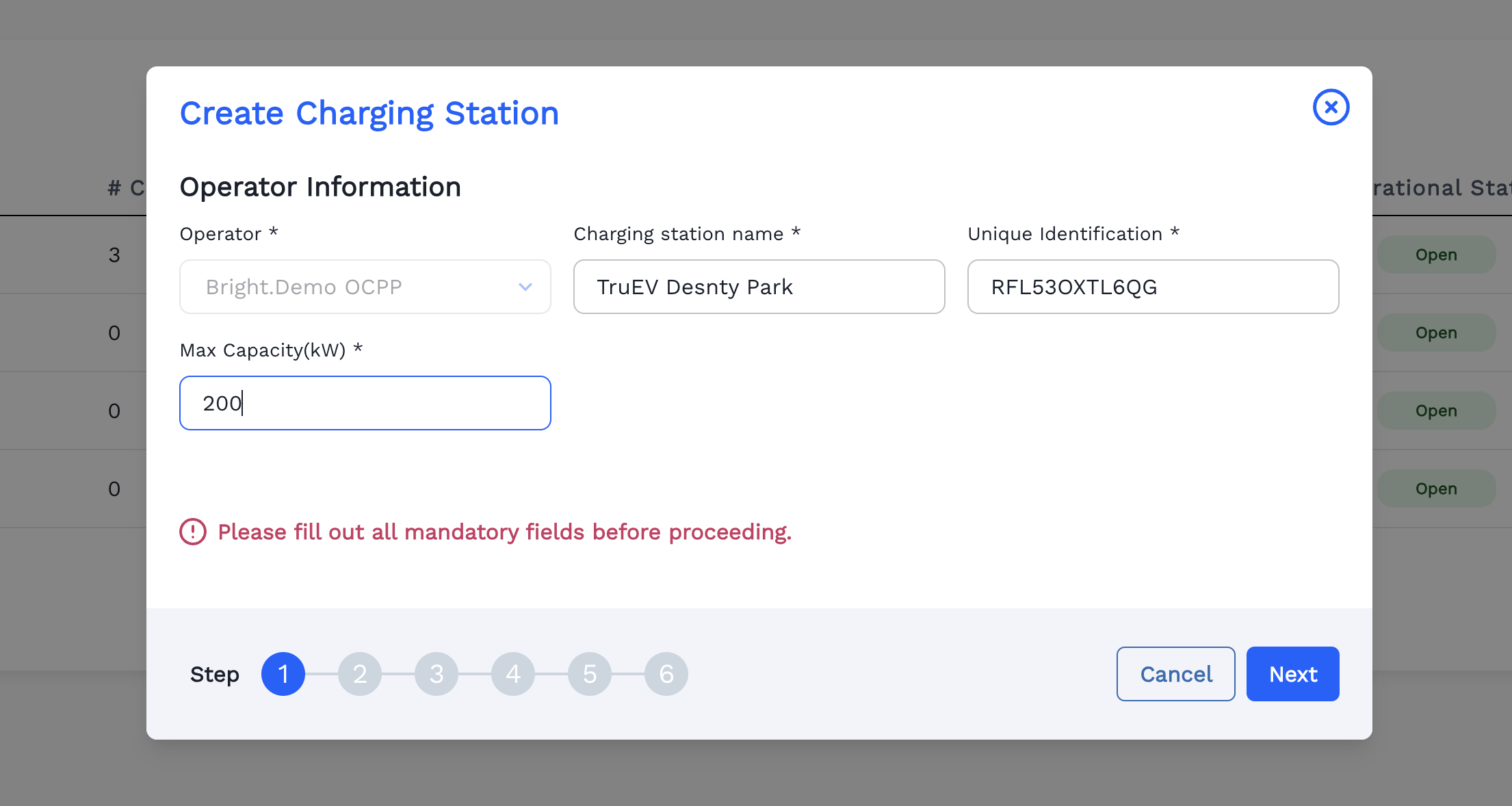
Enter the Max Capacity(kW) available for the Charging Station and Click Next.
-
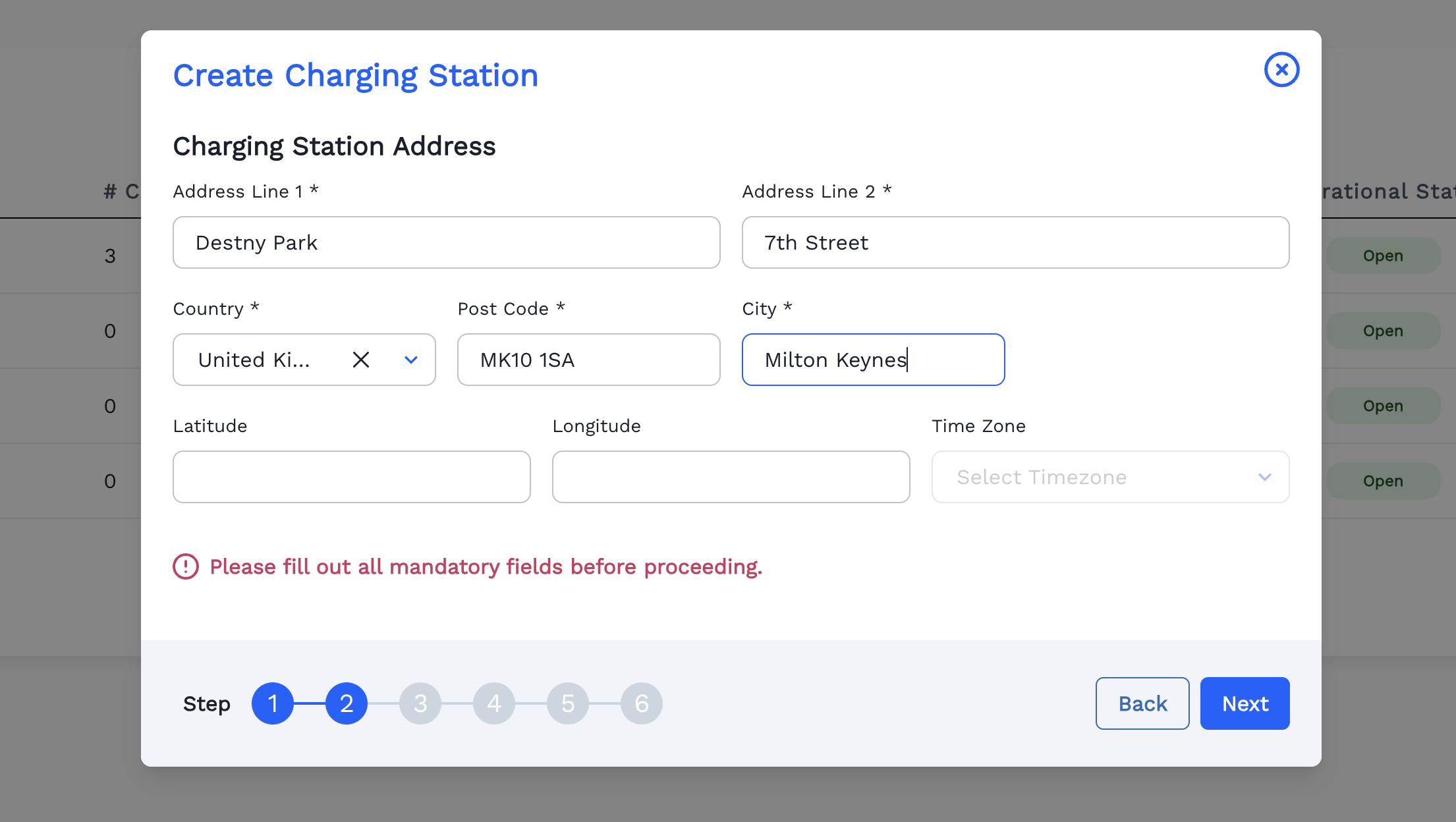
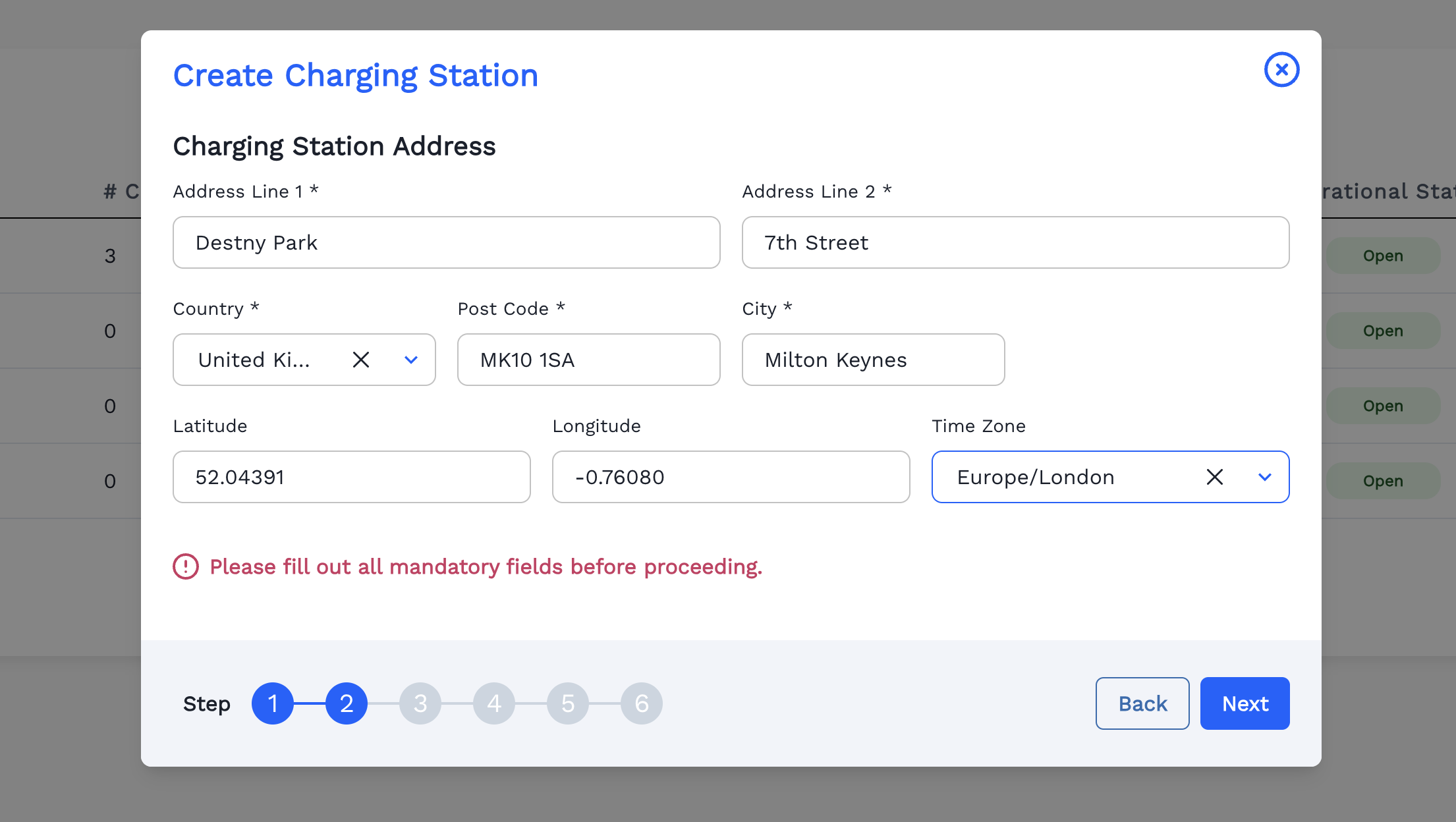
Enter the Address, Country, Post Code and City for the Charging Station.
-
Search Latitude and Longitude of the place in Google Map and paste it here and Select Timezone of the Charging Station. Click Next.
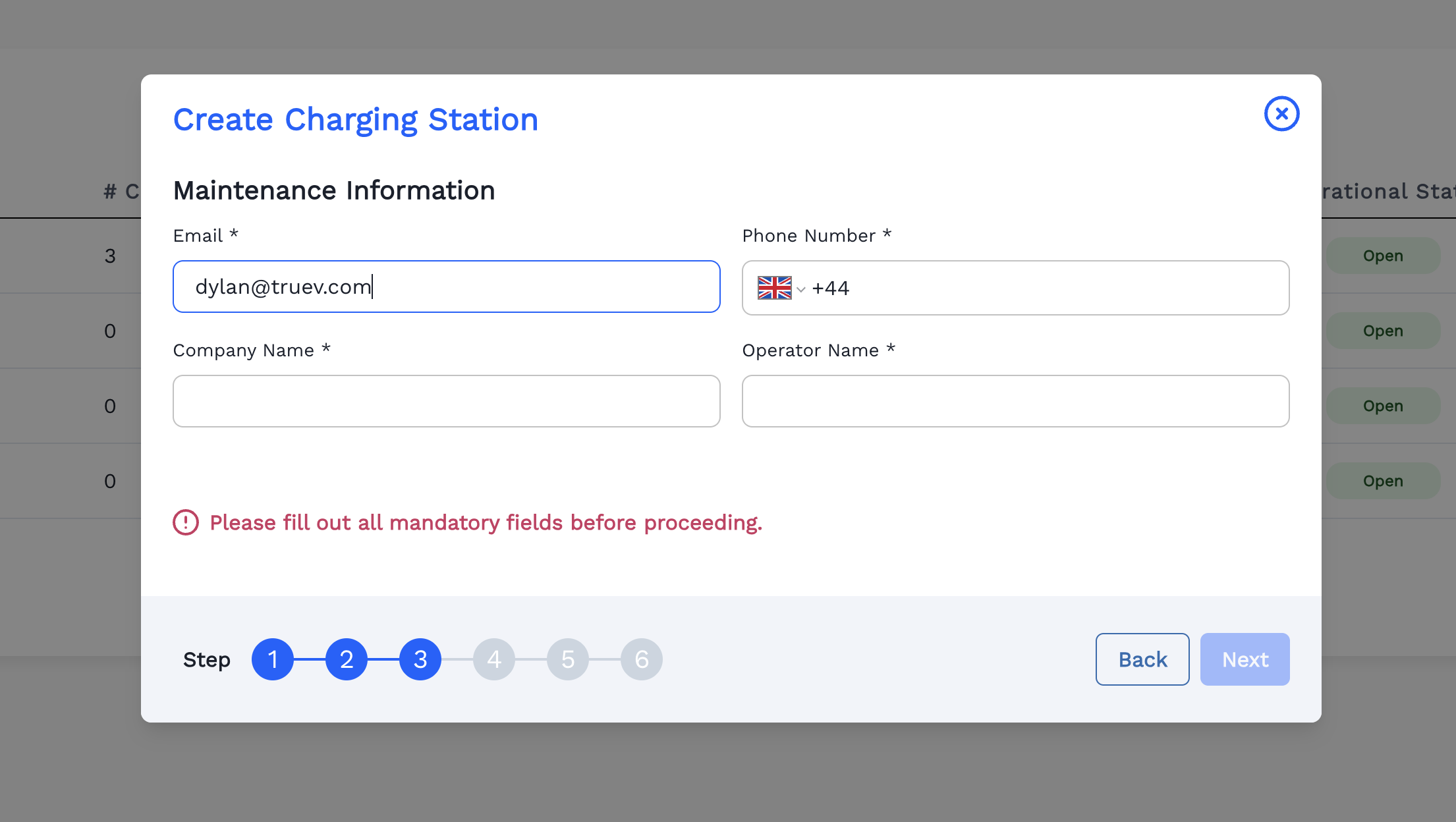
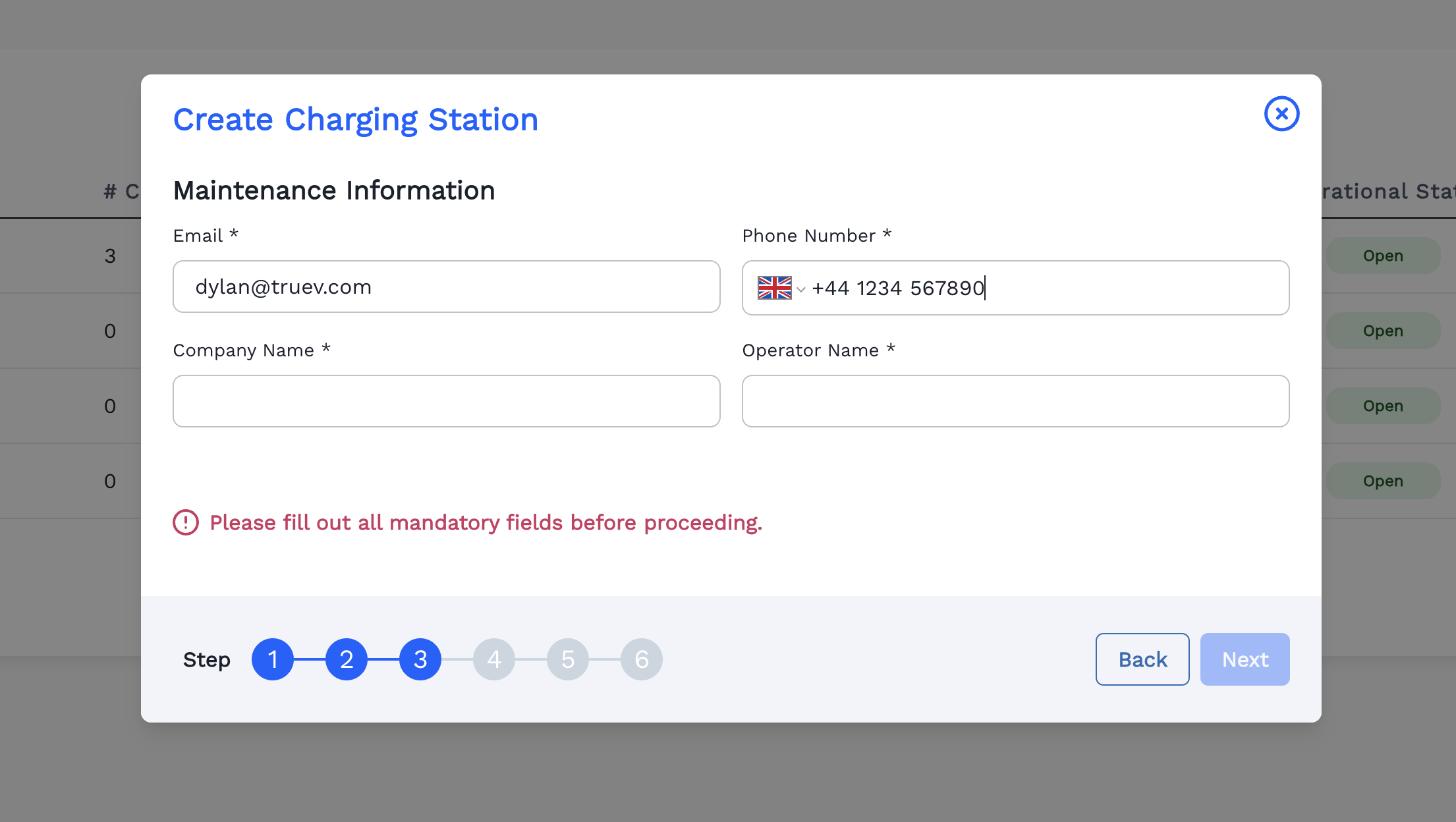
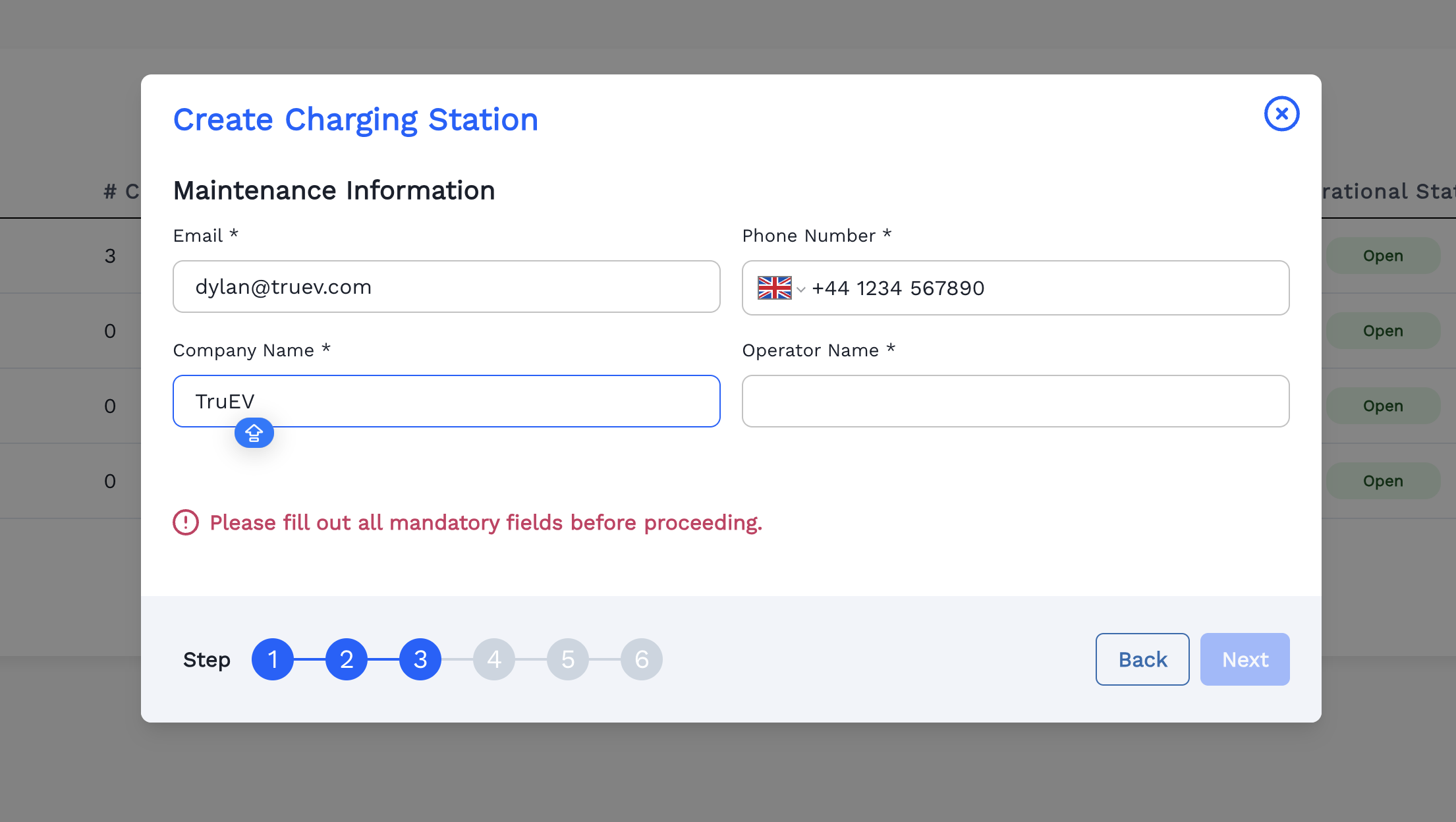
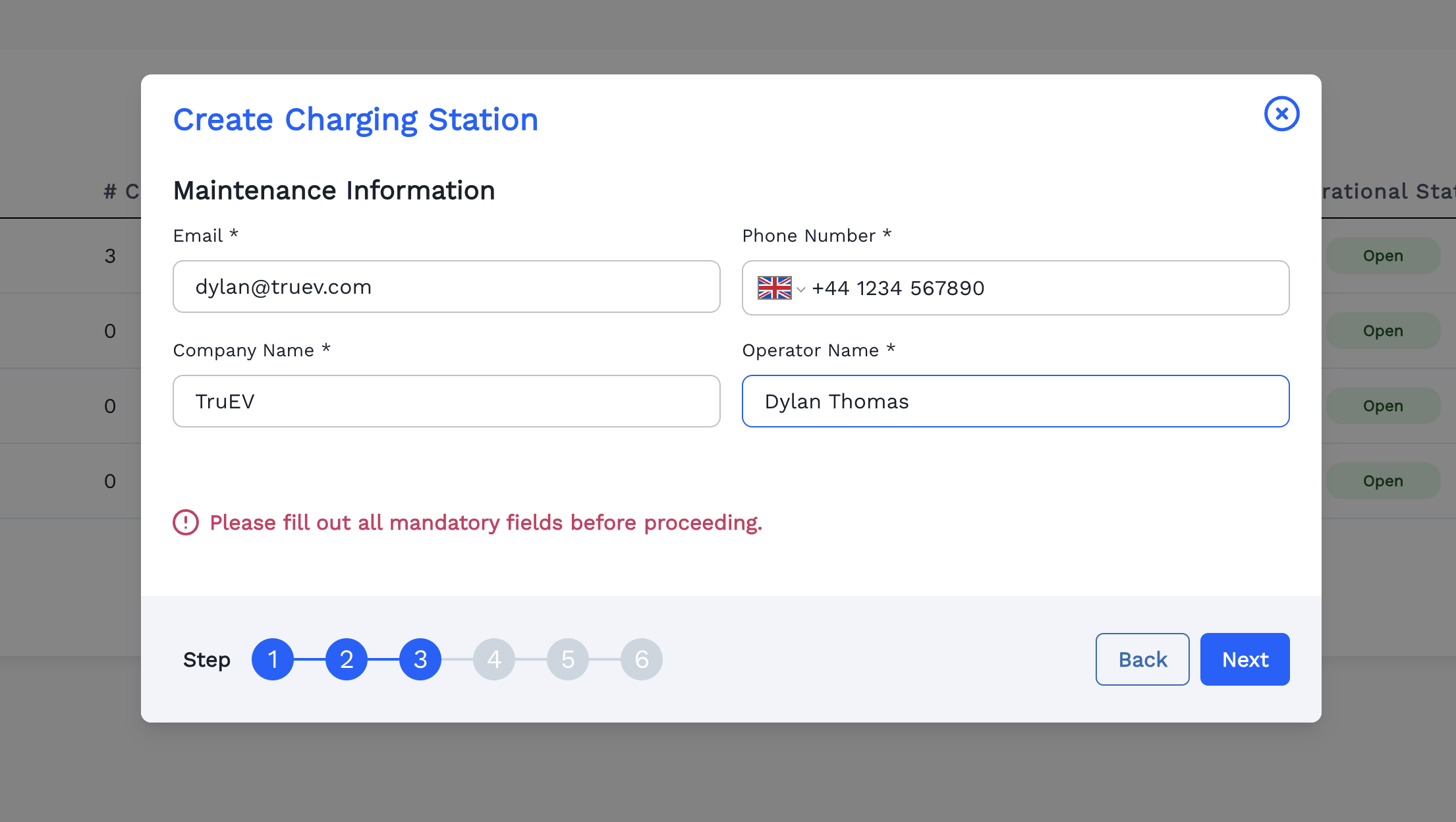
Fill the Maintenance Information.
-
Enter Email Address.
-
Enter Phone Number.
-
Enter Company Name.
-
Enter Operator Name. Click Next.
-
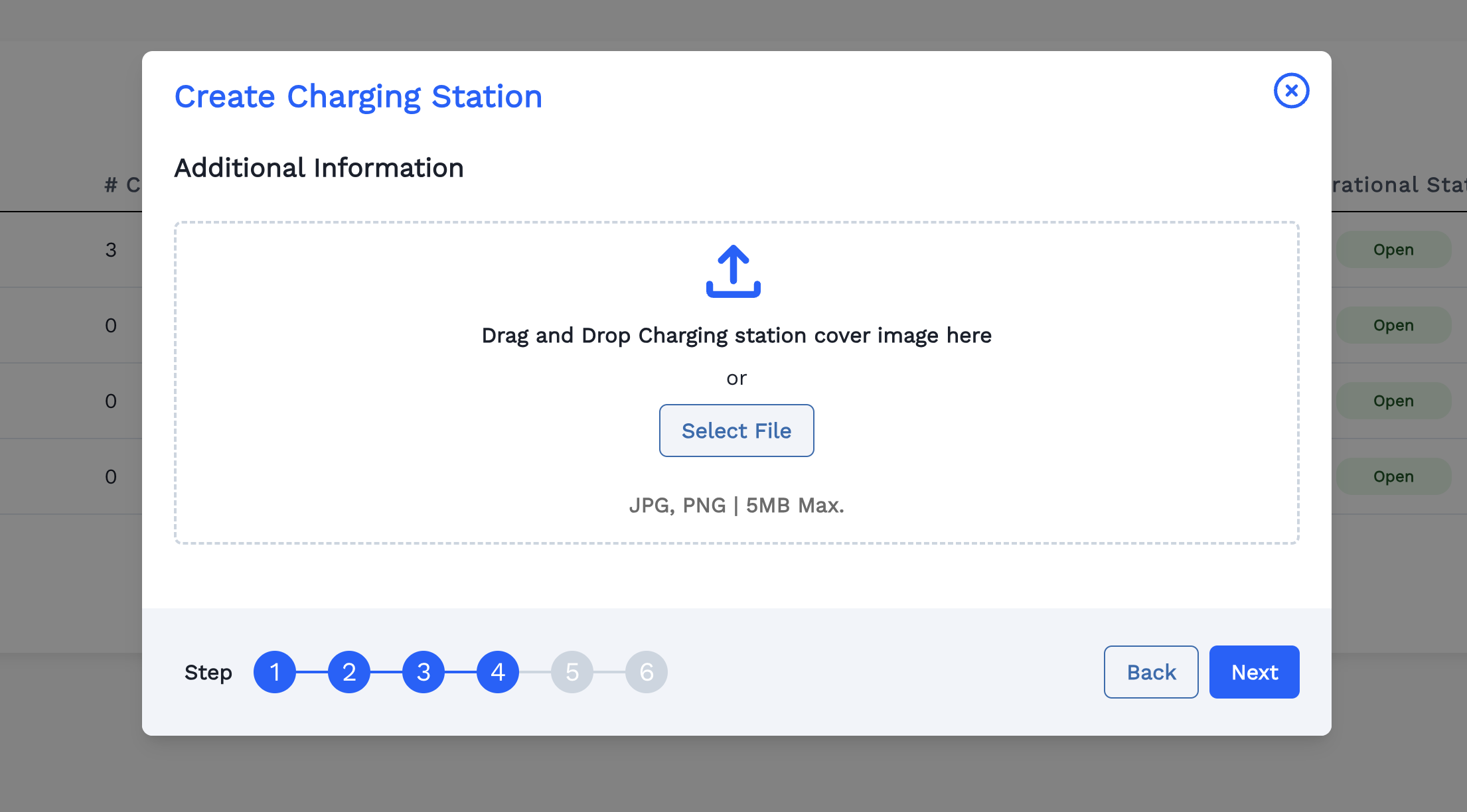
Upload a cover image for the Charging Station by clicking Select File.
-
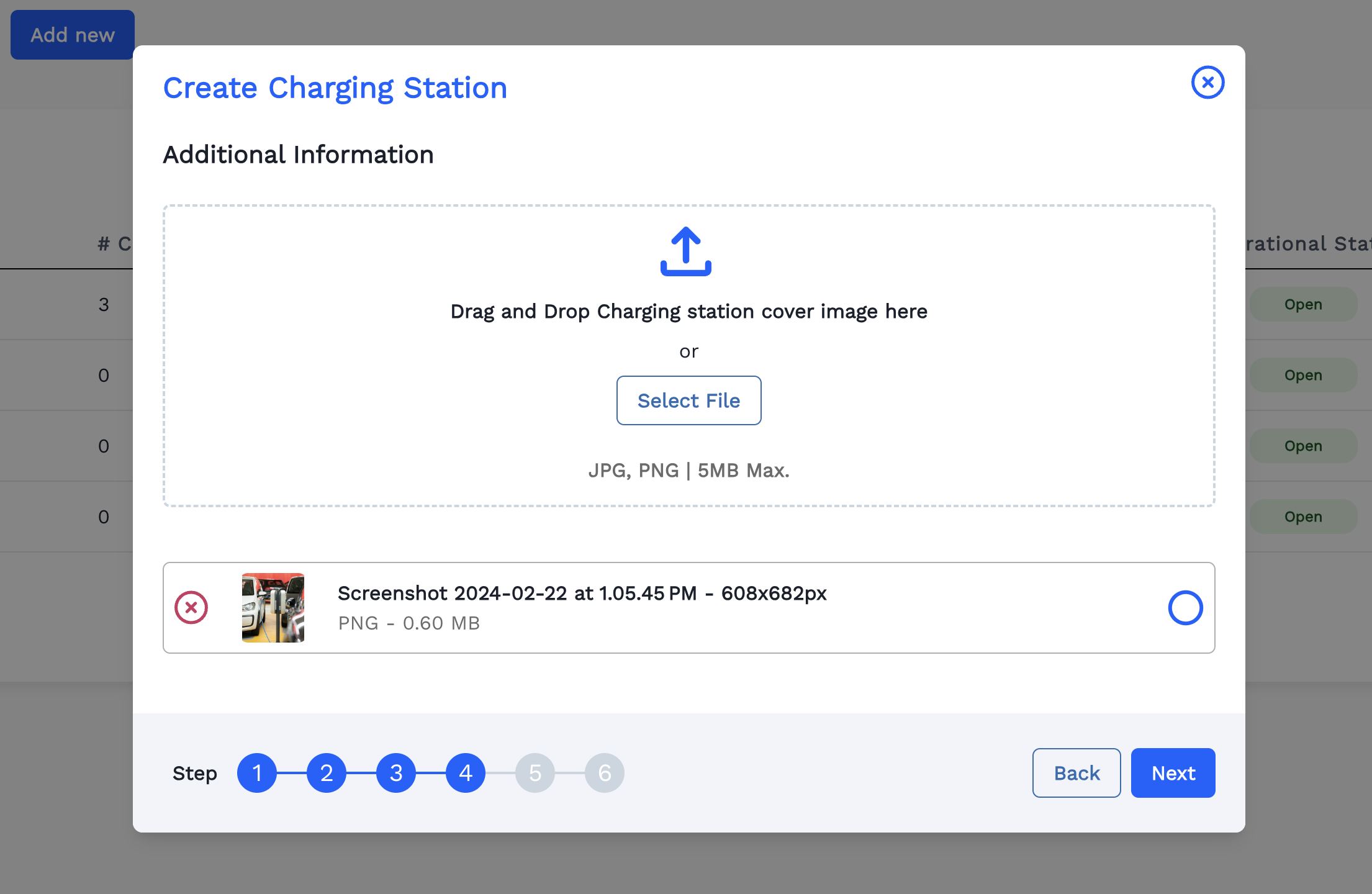
Now the selected image is loaded. Click Next.
-
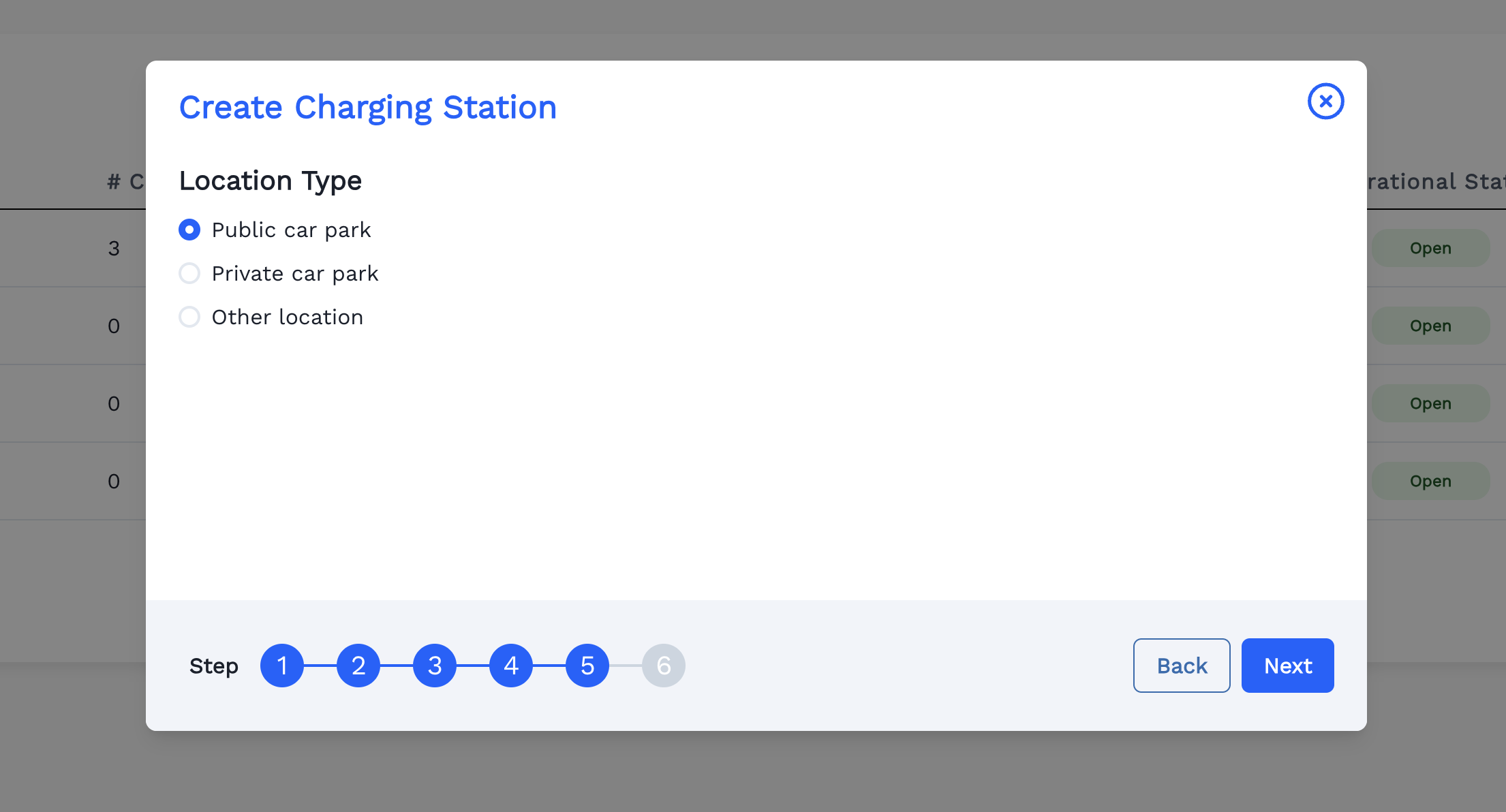
Choose Location Type. Click Next.
-
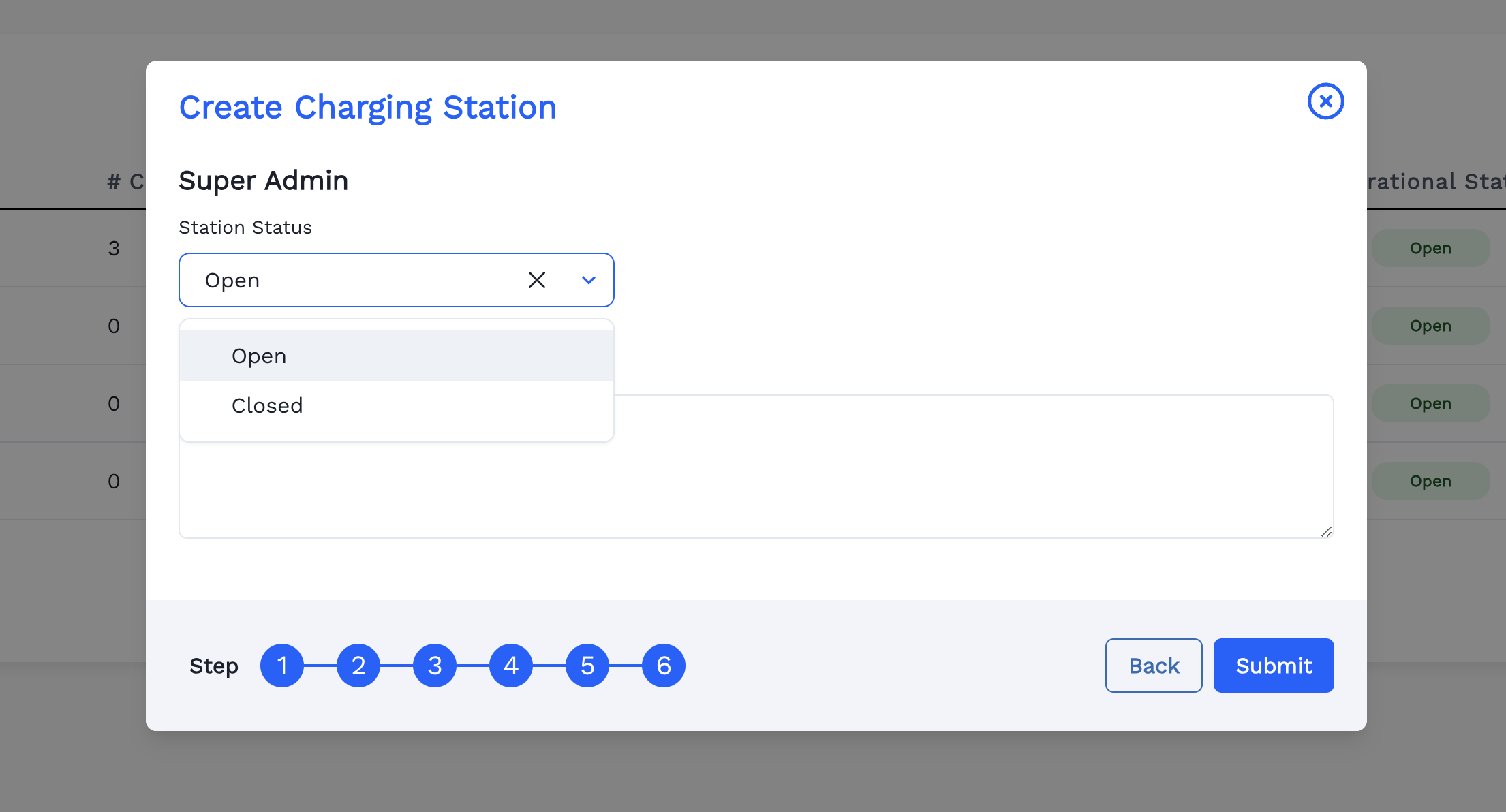
Choose either Open or Close for Charging Station's current status and then click Submit.
-
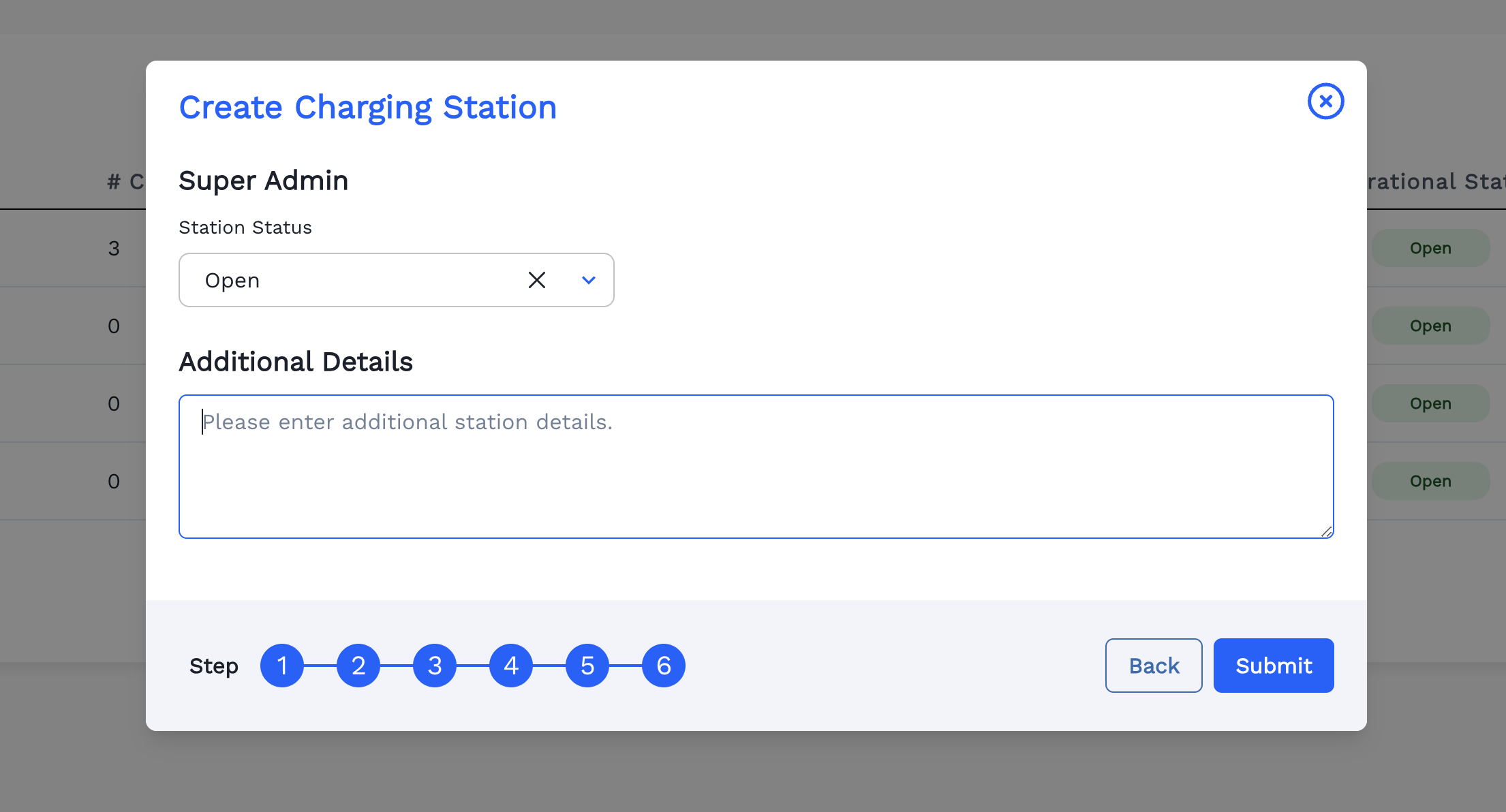
Add Additional Charging Station Details if needed.
-
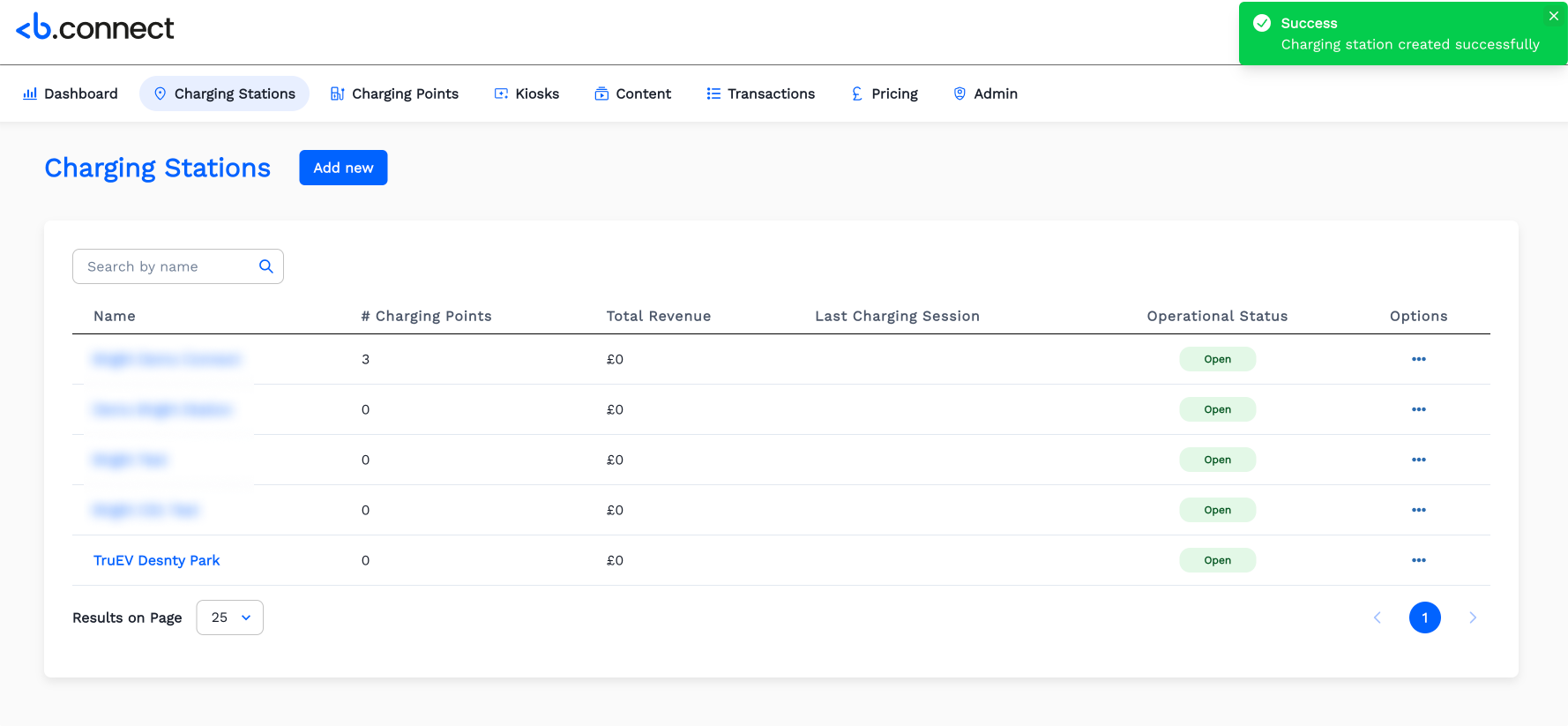
Now the Charging Station is created successfully and displayed in the list.