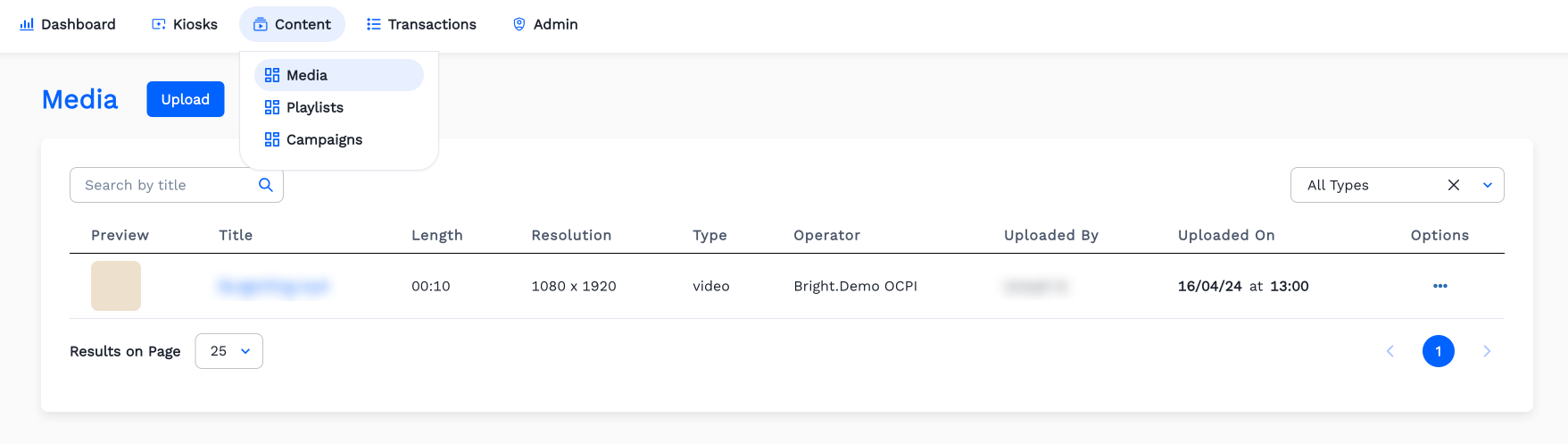
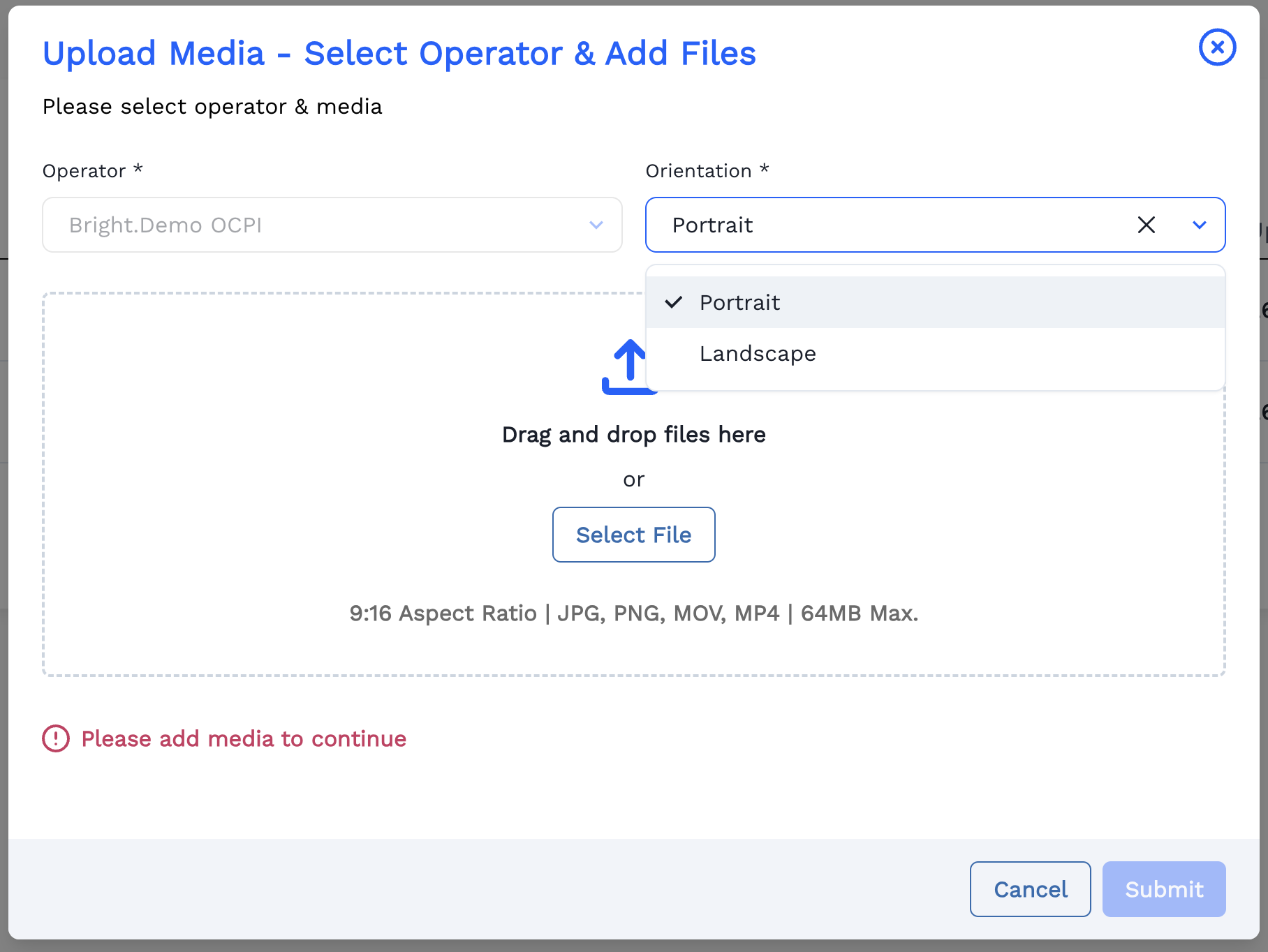
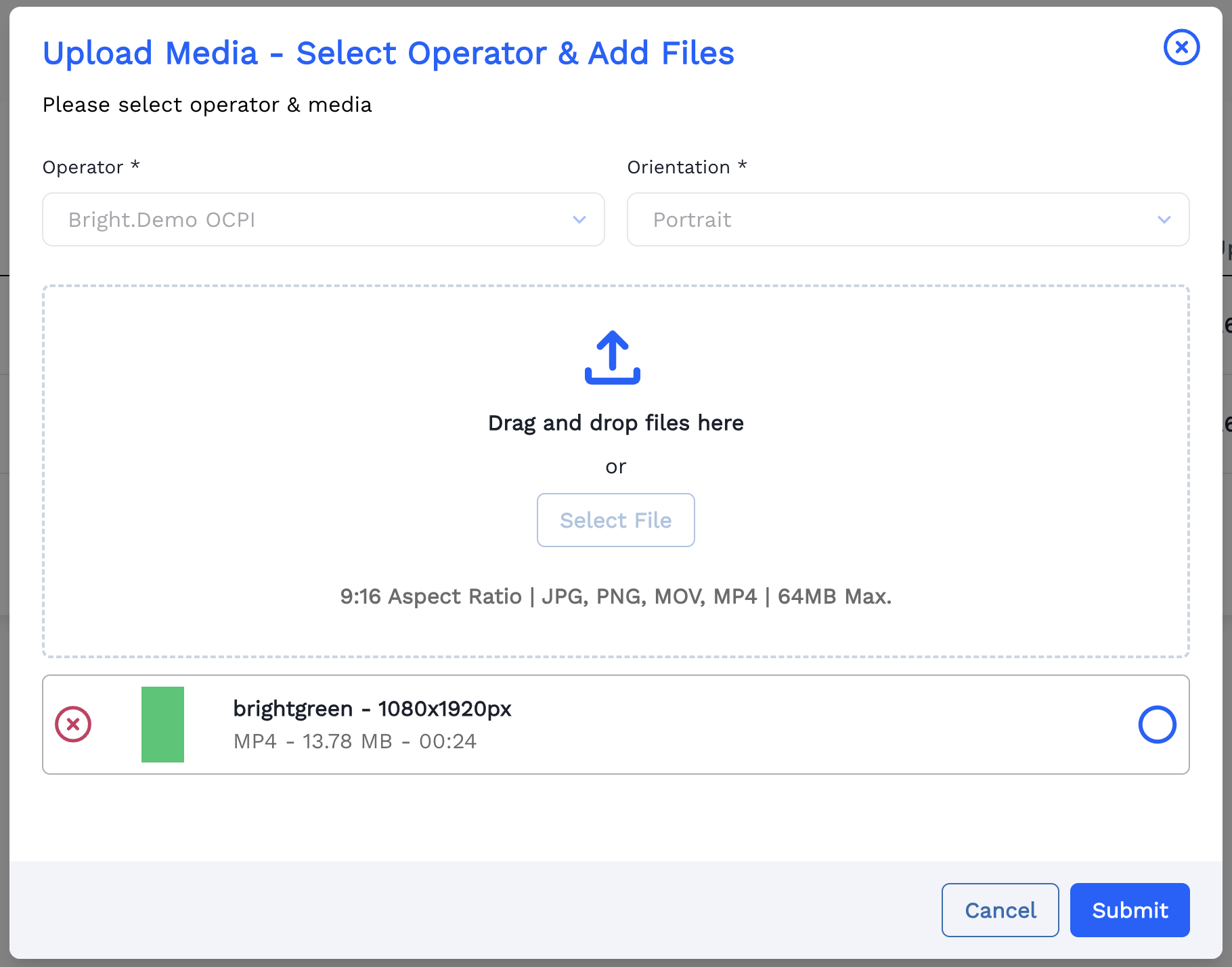
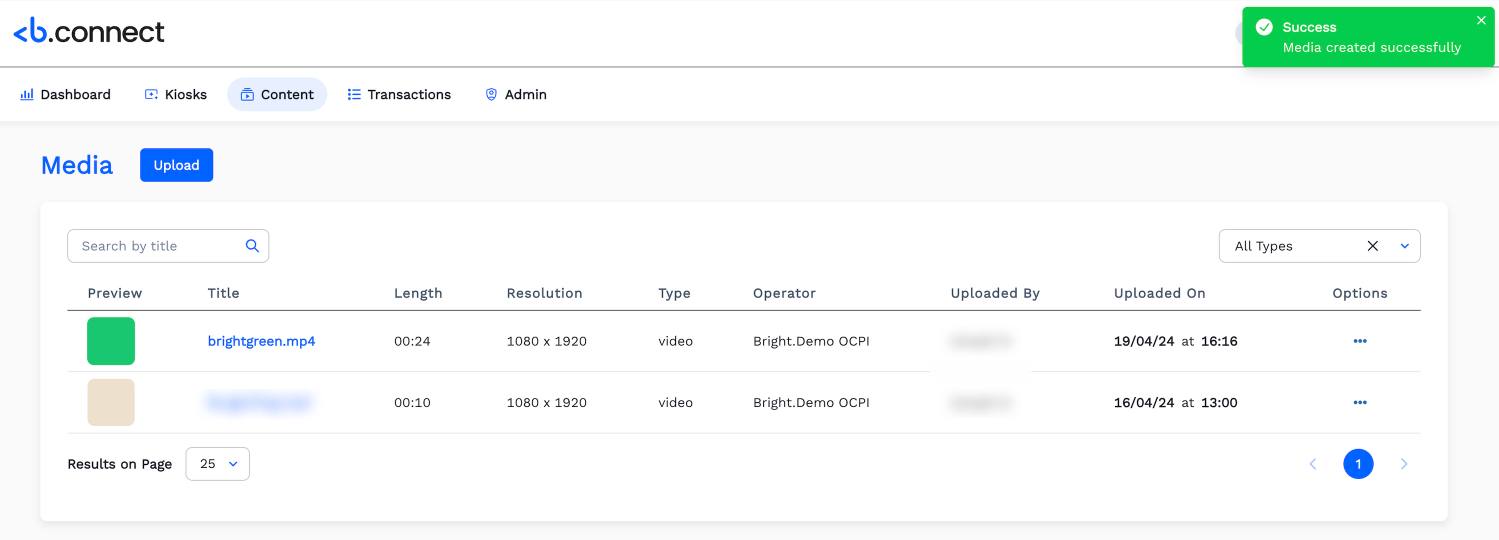
OCPI OperatorsContentMediaHow to Upload Images and Videos to Connect ?On this pageUploading images and videos to Connect Click Content menu. Then Click Media. Click Upload. Select Orientation for the media which is to Upload. Upload cover Image or Video by Clicking Select File and then Click Submit. Here a Video is Selected. Now the Video is successfully created and it is listed in the the Media page.