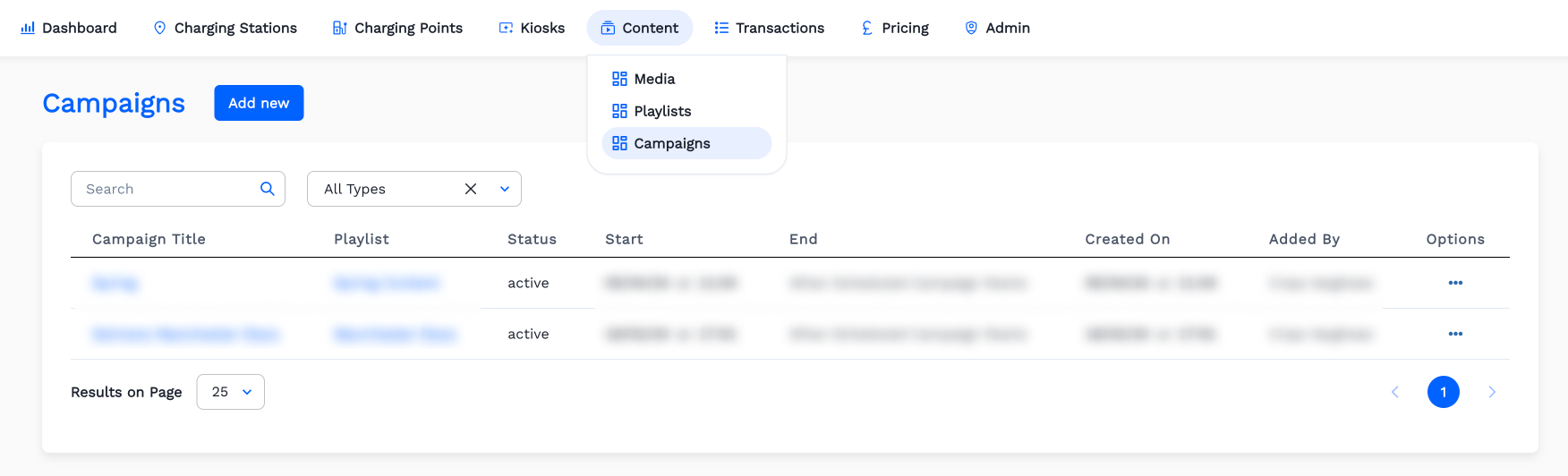
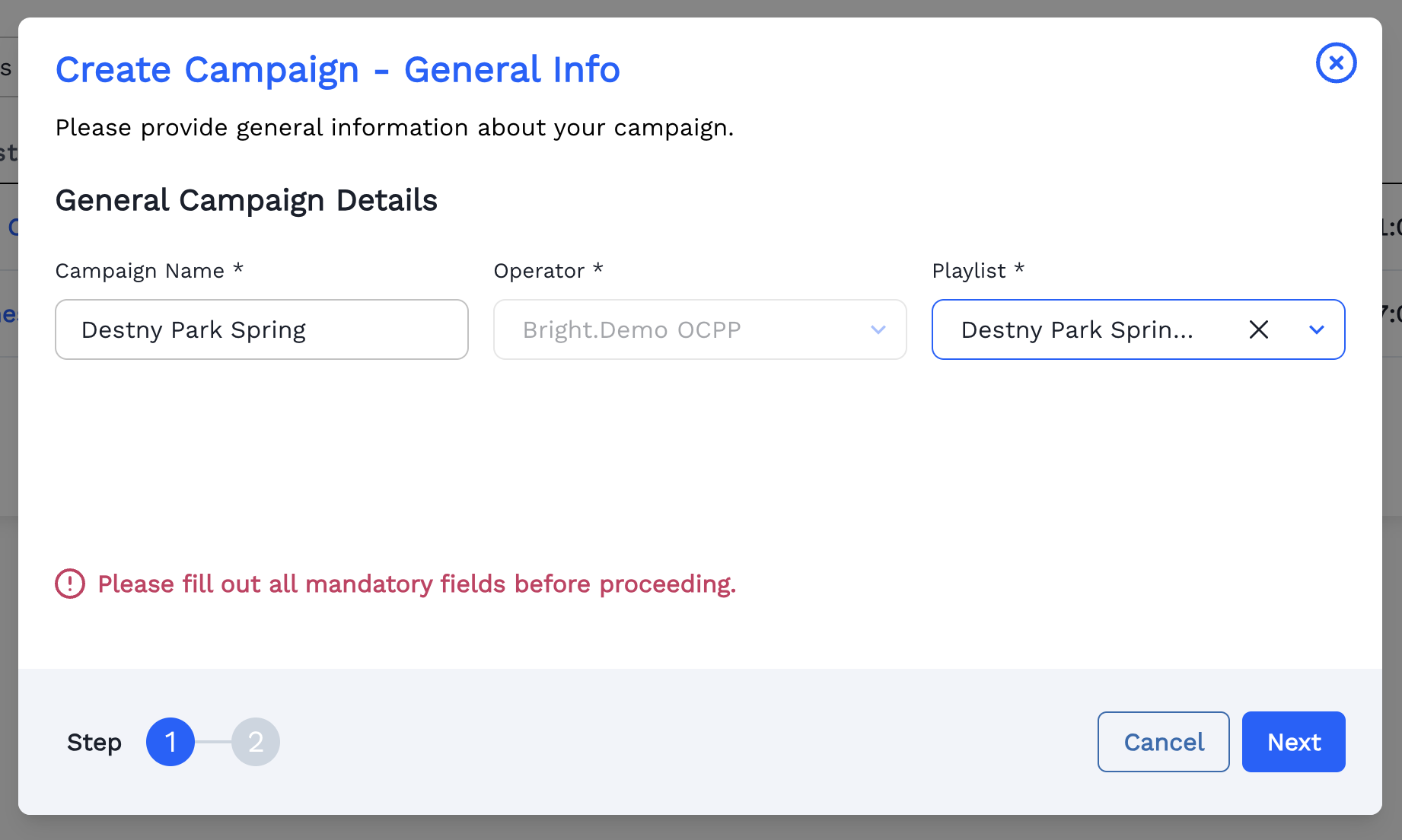
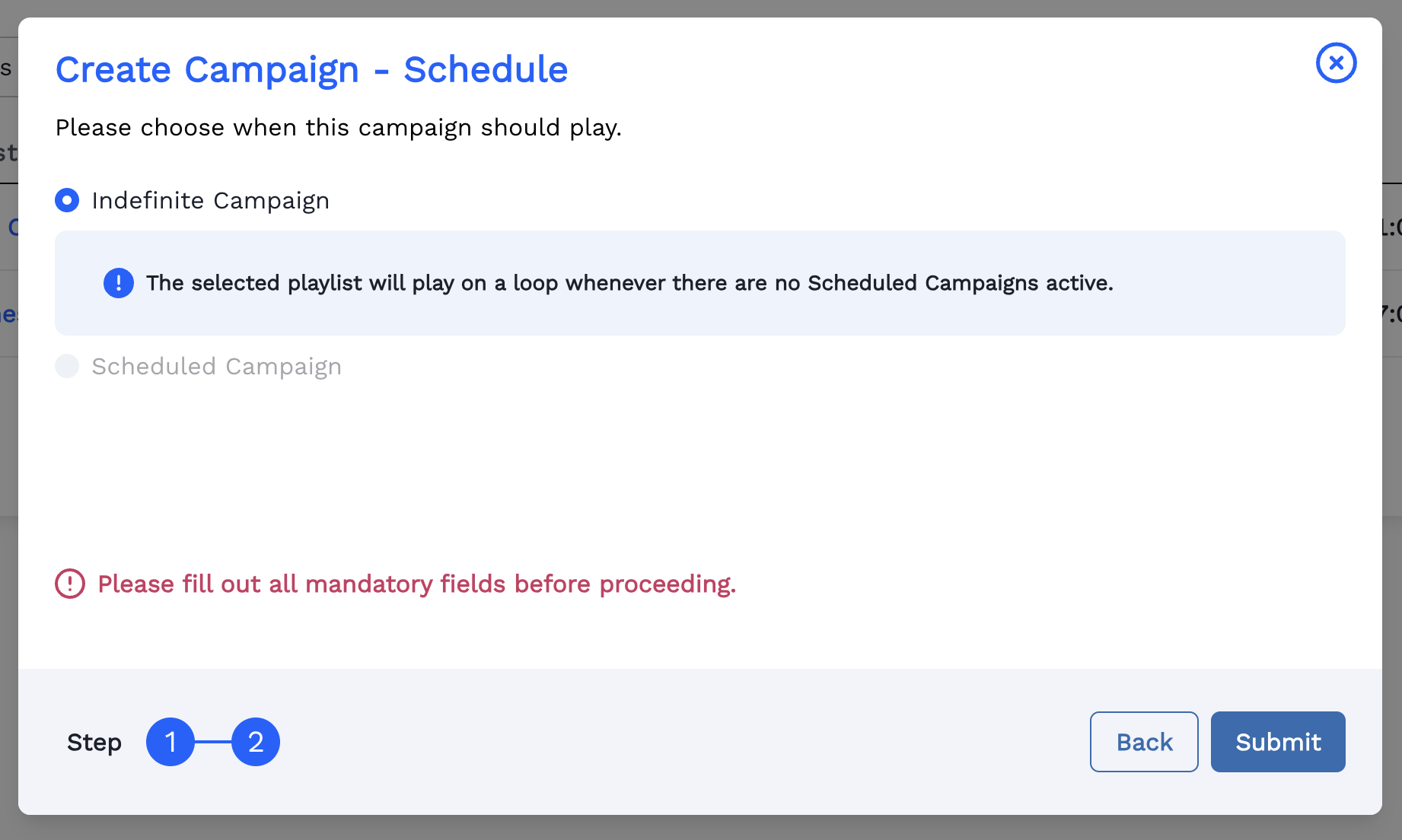
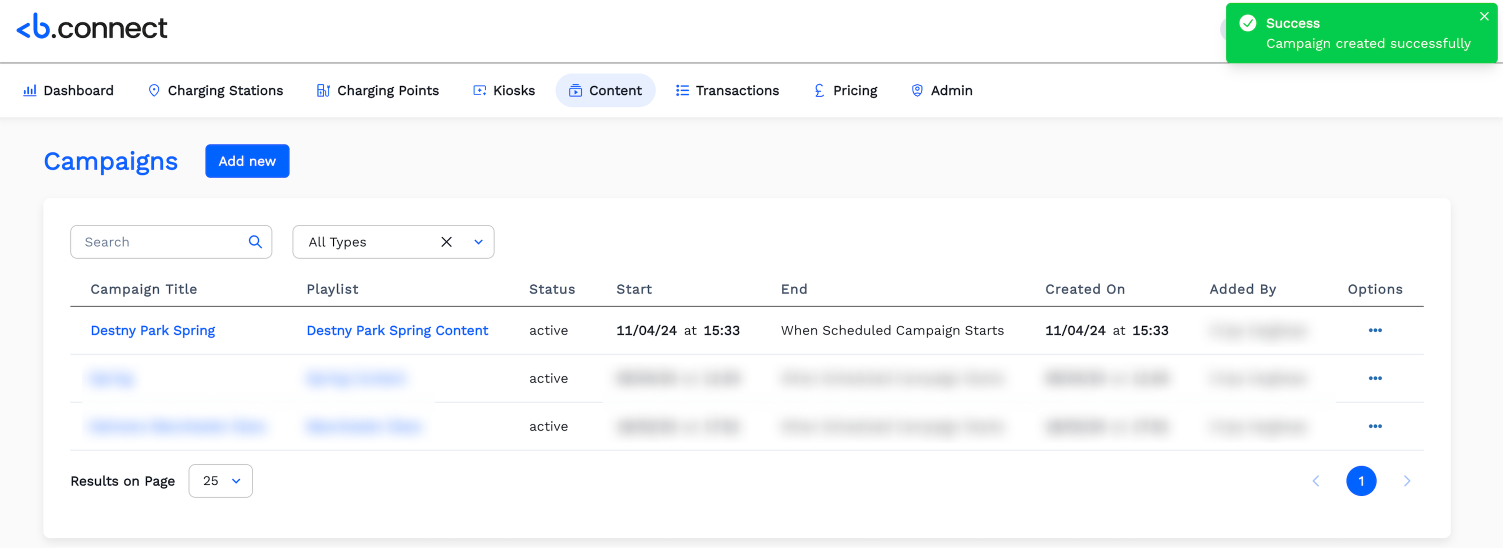
OCPP OperatorsContentCampaignsHow to Create a Campaign ?On this pageHow to Create a Campaign ? Click Content menu. Then Click Campaign. Click Add new. Fill the General info of the Campaign. Click Next. Please select the Campaign Shedule. Click Submit Now the Campaign is listed in the Campaign page. Click Add new to add a new Campaign.